


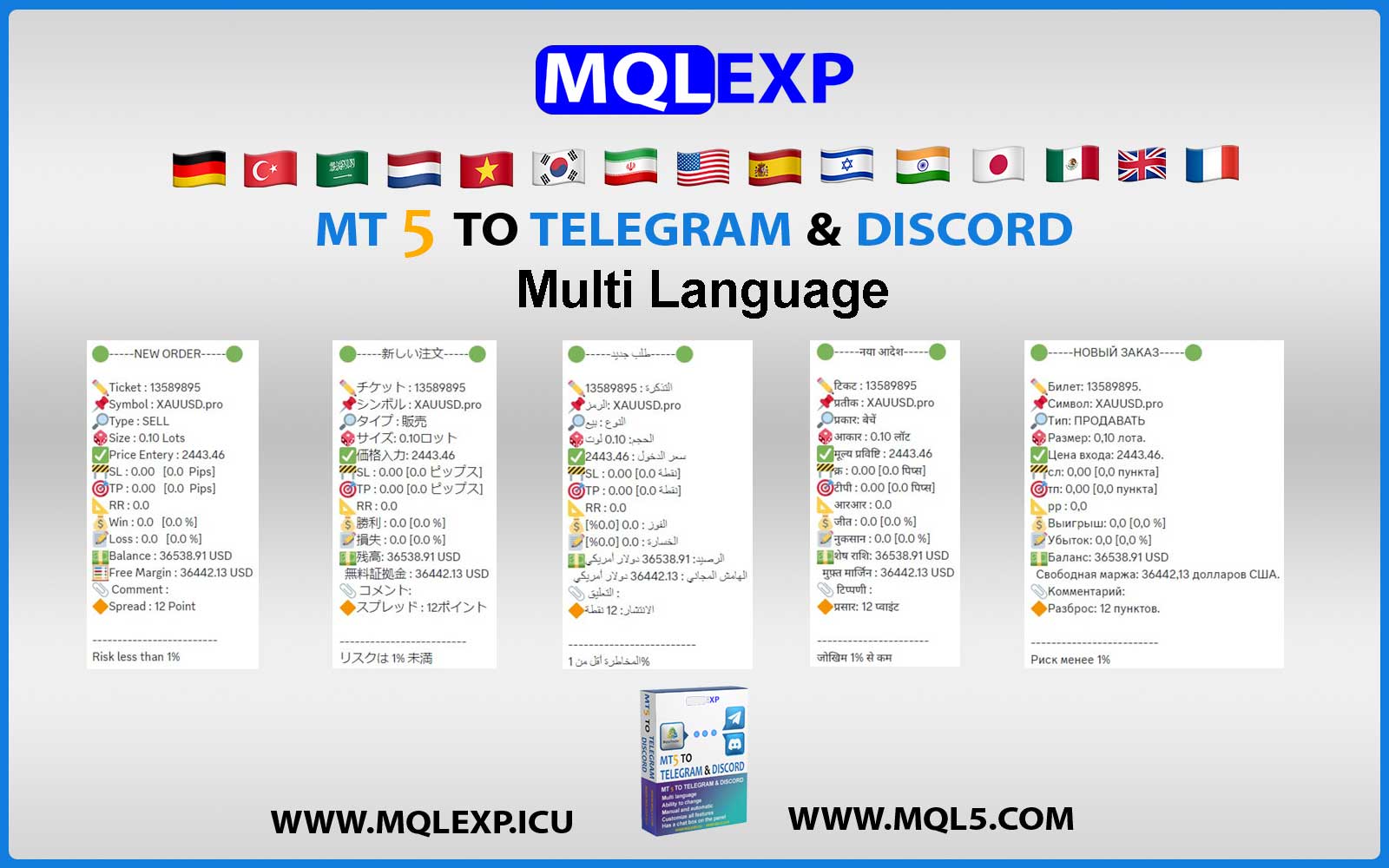
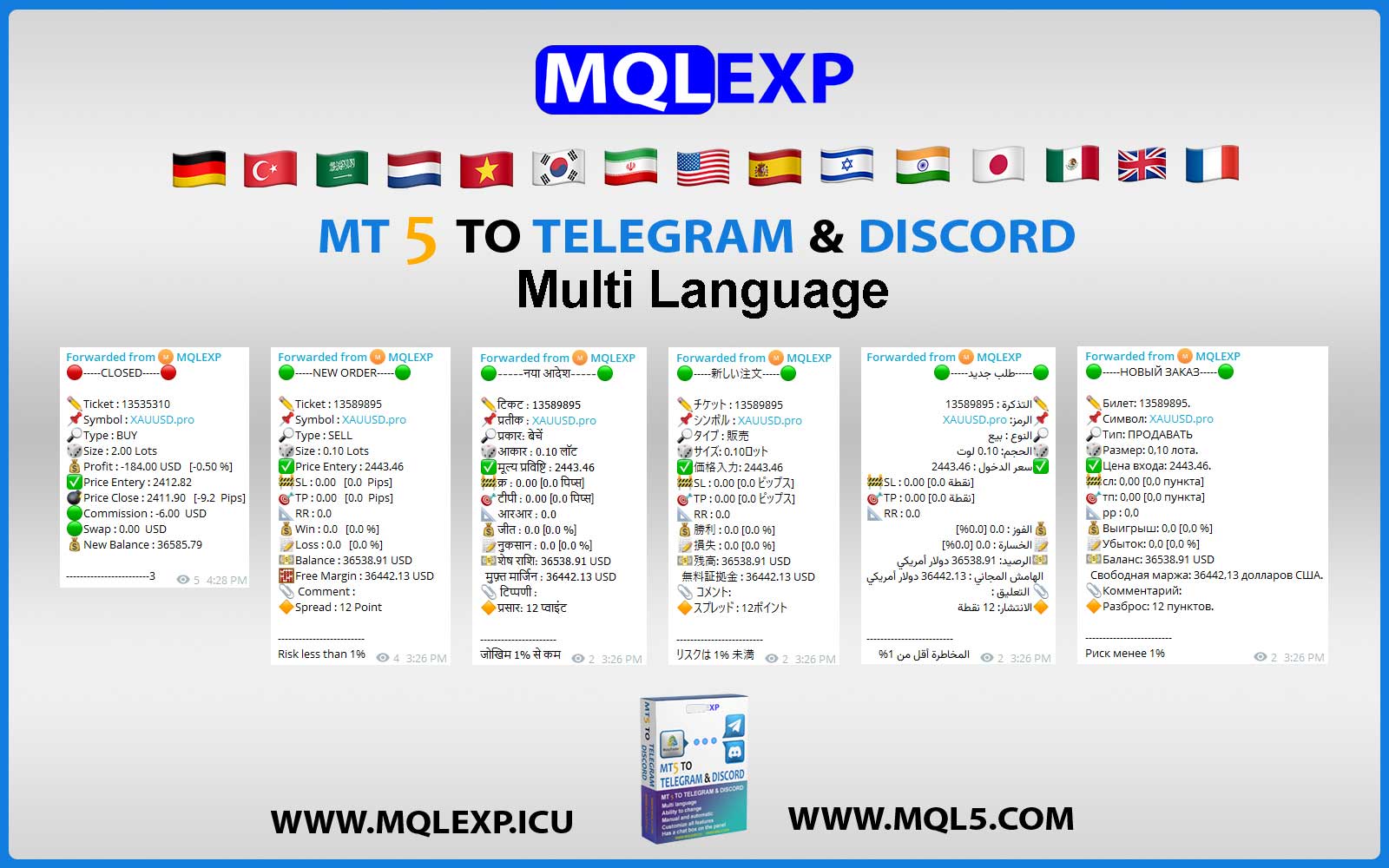
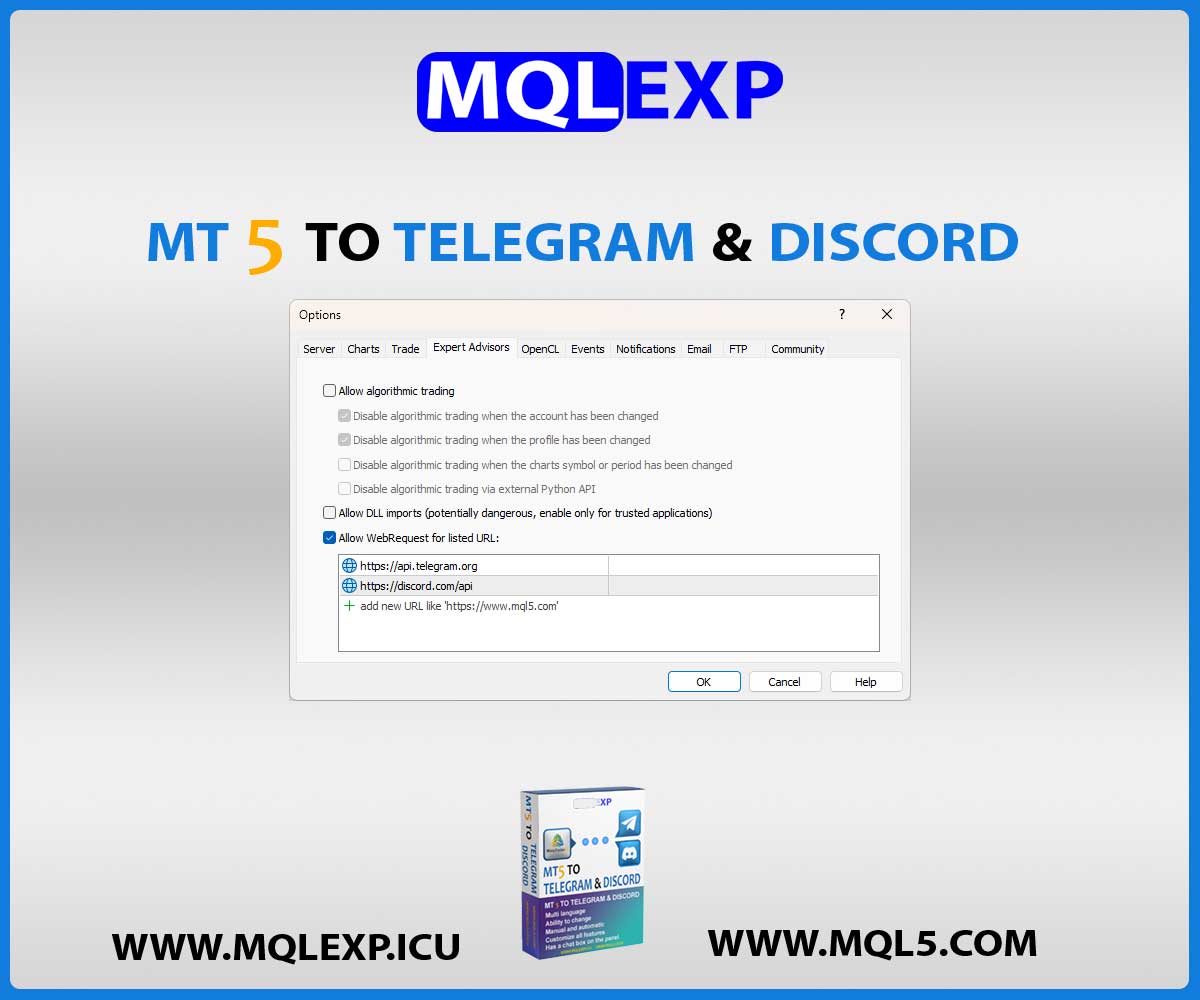



MT4 & MT5 to Telegram & Discord Signal Provider EA
Broadcast your MetaTrader 4 and MetaTrader 5 trading signals to multiple Telegram channels simultaneously with advanced automation and customization.
- Dual/Multi-Channel Routing: Complete separate settings and bot parameters for unique channels.
- Unified MT4 & MT5 Package: Native
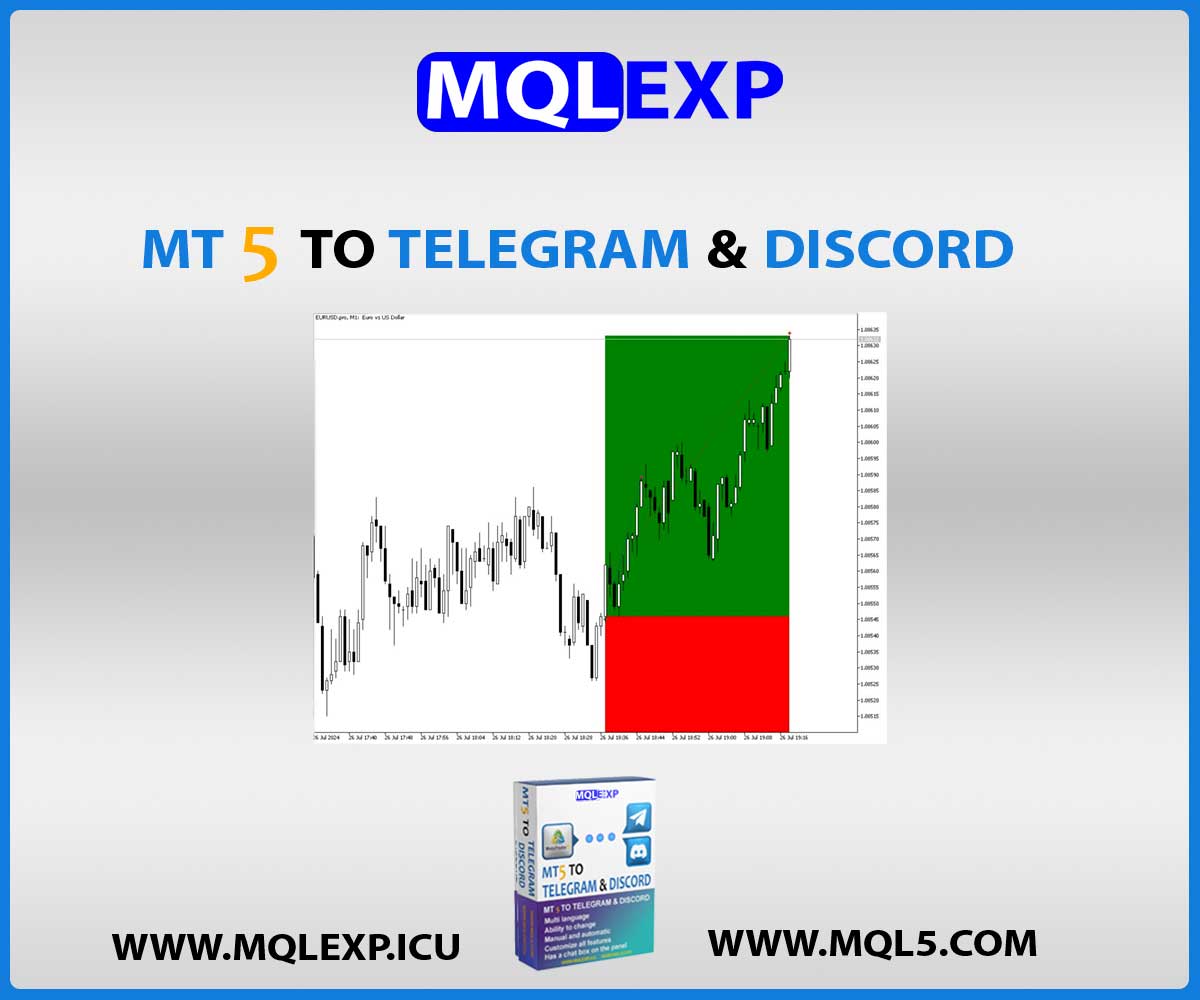
.ex4and.ex5files included for both platforms. - Visual Trade Proof: Automated high-resolution screenshots with custom templates and R:R boxes.
- Full Automation or Manual Control: Broadcast setups automatically on execution or manually via chart panel.
Download the free demo package directly above to evaluate on your trading terminal.
$30.00
Resources & Support
Telegram Support
Official product support on Telegram
YouTube Tutorials
Setup guides & product walkthroughs
MQL5 Market
Explore our official MQL5 store
Why Choose MQLEXP Tools
Official Product Access
Download and activation through each product’s listed official sales channel.
Purpose-Built Trading Tools
Developed for practical MetaTrader workflows, with clear product specifications.
Platform-Specific Products
Check the MT4 or MT5 compatibility stated on each product page.
Guides & Updates
Product documentation, setup instructions and release information.
MT4 & MT5 to Telegram & Discord Signal Provider EA Designed for success
Professional forex traders sometimes need to post their trade reports on social networking platforms and share their trade lists with others.
As you know, Forex traders use the famous MetaTrader4 and MetaTrader5 software, which is the main manufacturer of the MQL5 company, and do their transactions online in that program.
With the advancement of technology and especially social networking platforms, this time we plan to send our transaction list to Discover software
MT4 To Telegram And Discord Doing this for you is by your side to experience the best.
How to send your trading signal in MT4 & MT5 to Telegram & Discord Signal Provider EA
One of the main challenges of professional traders in sending signals to two important and excellent platforms such as Telegram and Discord was that they could not use two robots at the same time in the Metatrader environment, and it was not possible to have their channels on two platforms. but this time, MQLEXP has been able to meet the needs of customers by providing a specialized and comprehensive robot in this case.
Users can easily control each of the channels and send their signals by setting the program menu, which we have included in the blog to describe the robot settings. Also, this robot has a very easy and user-friendly user menu.
Since the combination of these two platforms in one robot was designed for the first time by the expert and experienced MQLEXP team, we hope to be able to satisfy you, customers and traders. We also made a training video for this product, where you can learn about the special features of the robot MT4 & MT5 to Telegram & Discord Signal Provider EA View it there and learn how to set it up and use it.
MT4 & MT5 to Telegram & Discord Signal Provider EA :
MT4 & MT5 to Telegram & Discord Signal Provider EA is an easy-to-use and customizable tool.
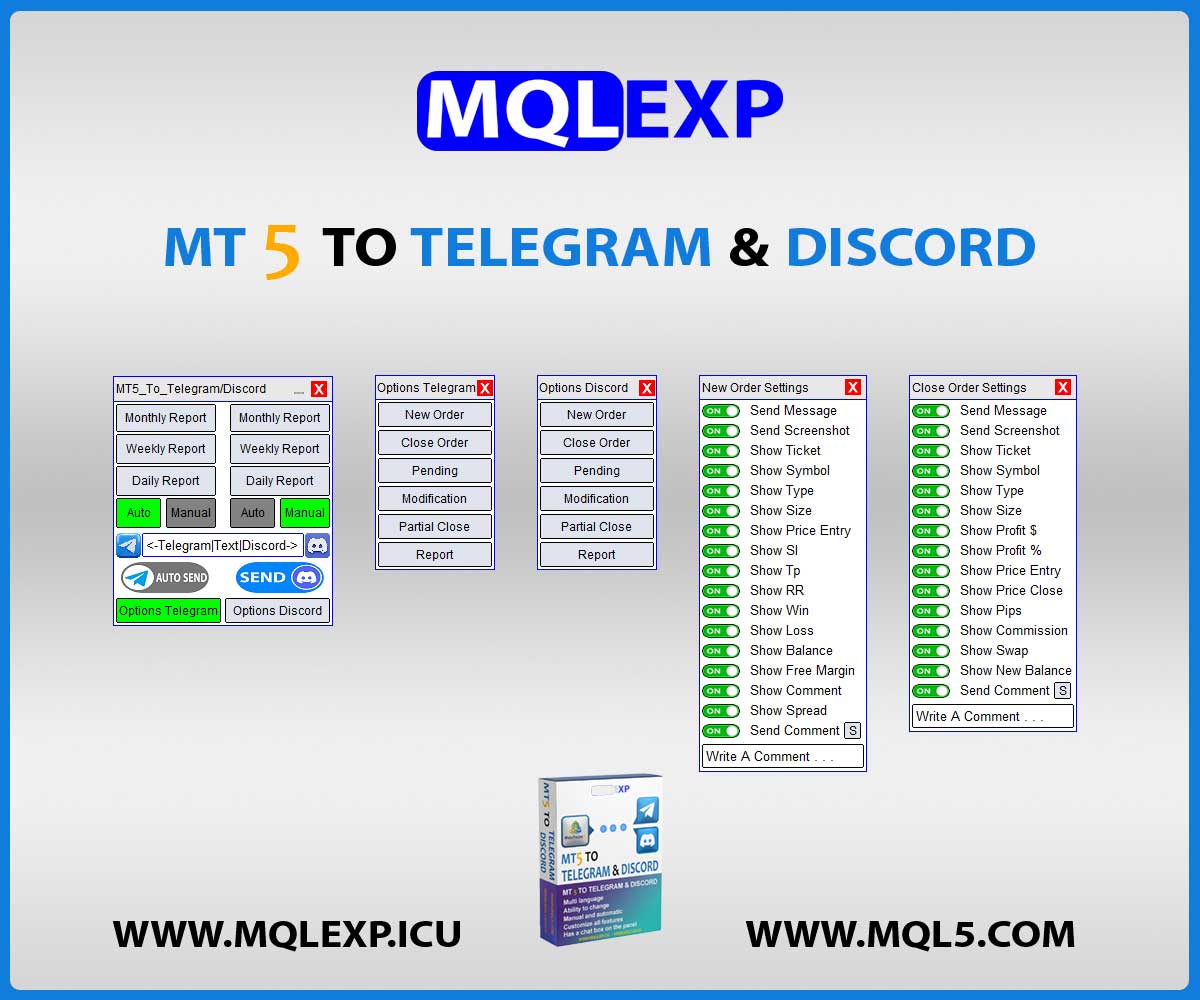
This product is presented in an attractive graphical interface that allows you to send adjustable signals in two ways (Manual or Automatic) from Metatrader4 to the Discord channel. In this case, your account becomes a Signal Provider.
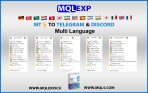
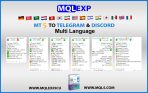
All message formats – language – emojis can be adjusted and personalized.
You can Enable or Disable certain parts of the message.
Key Features MT4 & MT5 to Telegram & Discord :
- Possibility of Manual or Automatic sending
Choose between full-automation event triggers for hands-free broadcasting or the interactive on-chart manual panel for precise, controlled signal execution. - Customize Message format – Language – Emoji
Fully localize your trading alerts. Use dynamic variables to style your signals, ensuring your brand identity remains consistent across all platforms. - Customize of Gold, Silver and Bronze signals
Segment your subscriber tiers efficiently by assigning Gold, Silver, or Bronze priority levels to different trade setups. - Setting related to the Screenshot at the moment of opening or closeing the position
Provide verifiable trade transparency by auto-capturing high-resolution chart images the moment an order is opened or closed. - Customize which signal types to send
Have granular control over your broadcast feed. Toggle specific order types (Limit, Stop, Market, Modifies) on or off based on your strategy needs. - Filter trades to send by Symbol or Magic Number
Isolate specific strategies or currency pairs. Filter by unique Magic Numbers to prevent cross-contamination of different trading systems. - Not sending or sending a special Symbol or Magic Number
Utilize advanced whitelisting and blacklisting. Easily exclude specific pairs or test strategies from your public signal feed. - Ability to send Daily – Weekly – Monthly Report or customized Reports based on (Date and Time)
Automatically compile and broadcast performance metrics (PnL, Win Rate, Pips) to build long-term trust with your audience. - Send an alert or point of view through the Chat Box
Interactive engagement tool. Send real-time market commentary or educational insights directly from your MetaTrader terminal. - Customizable comments
Tailor your order comments to maintain professional tracking, strategy identification, or custom disclaimers.
Complete Settings For Order Details :
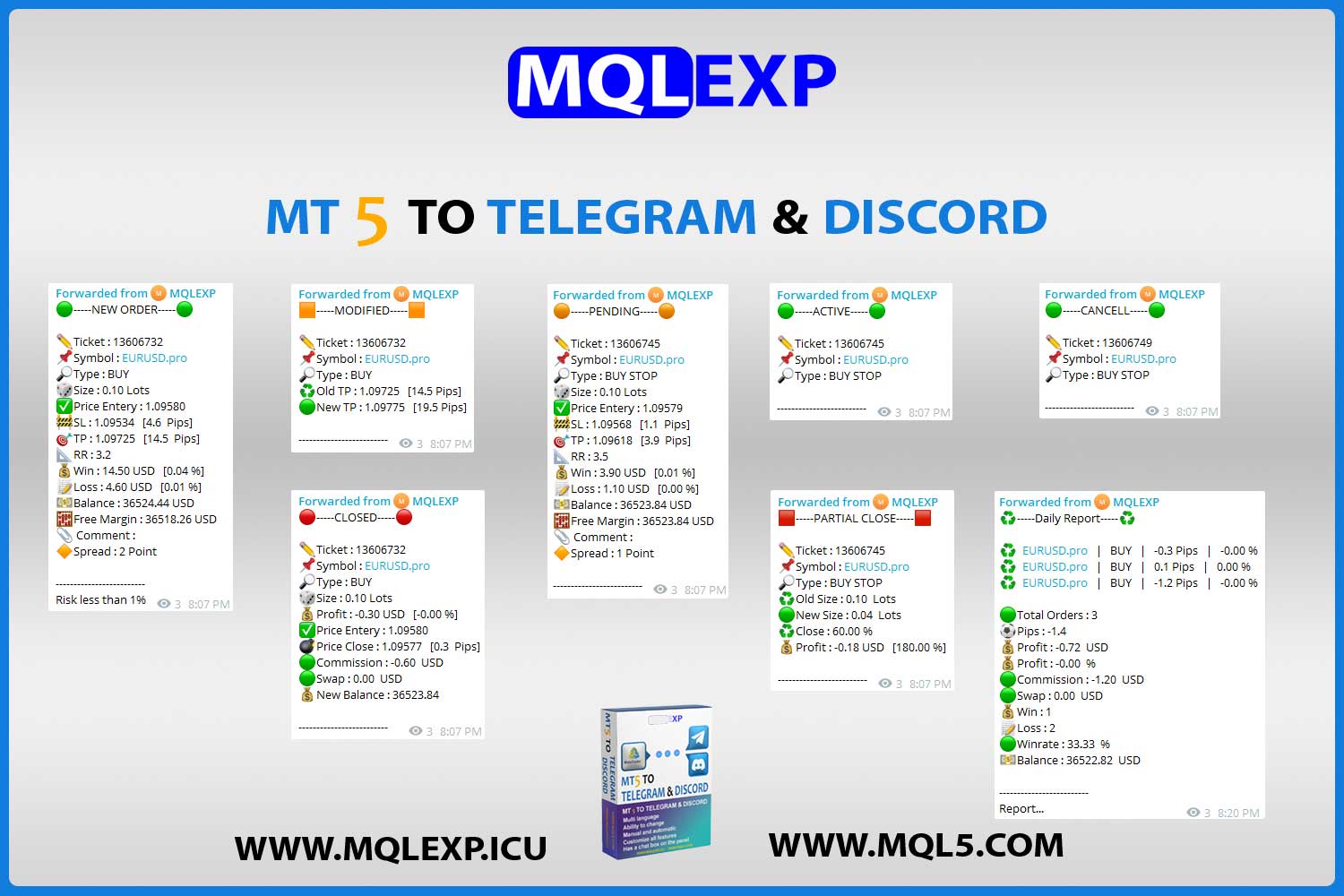
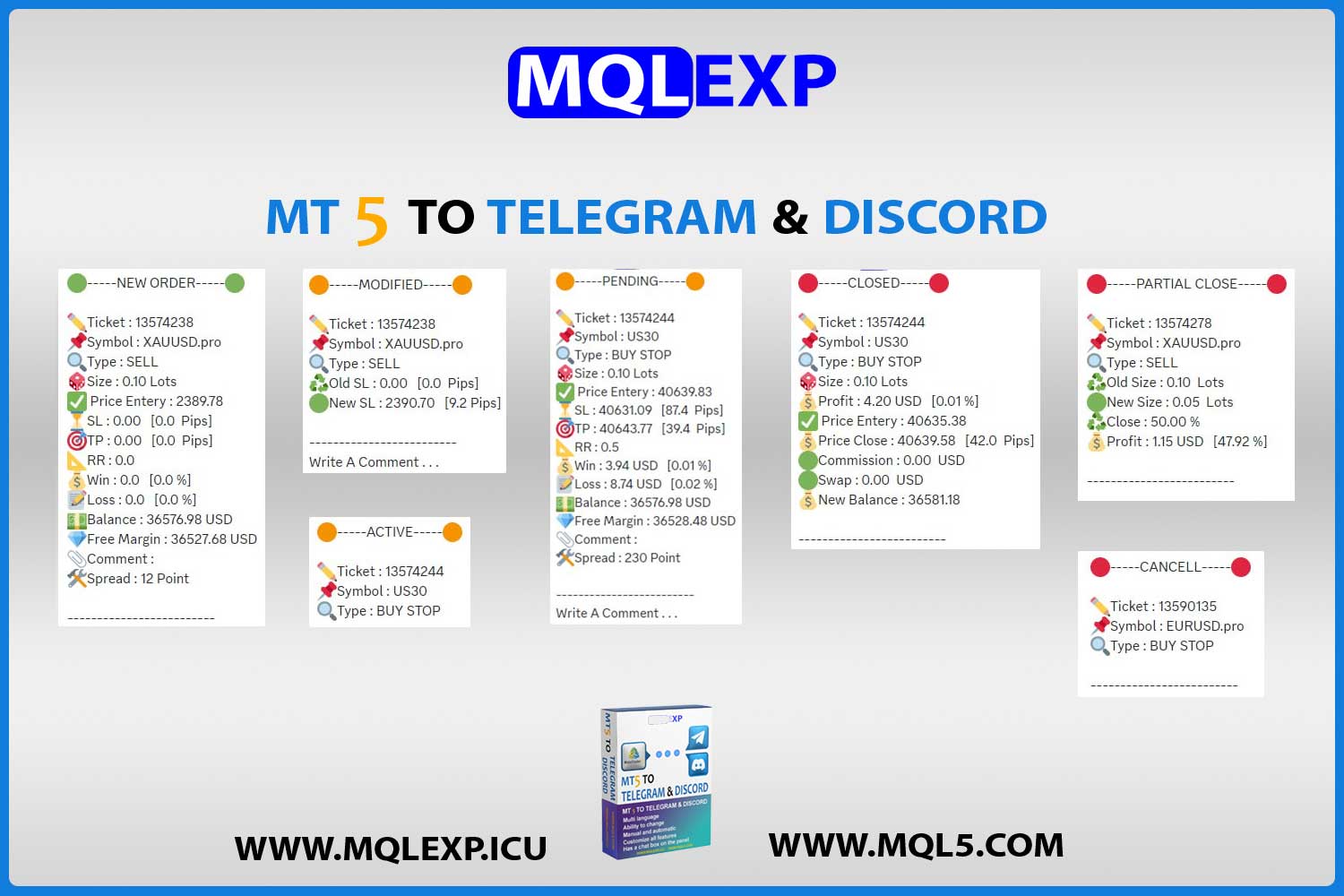
- New Order (Screenshot)
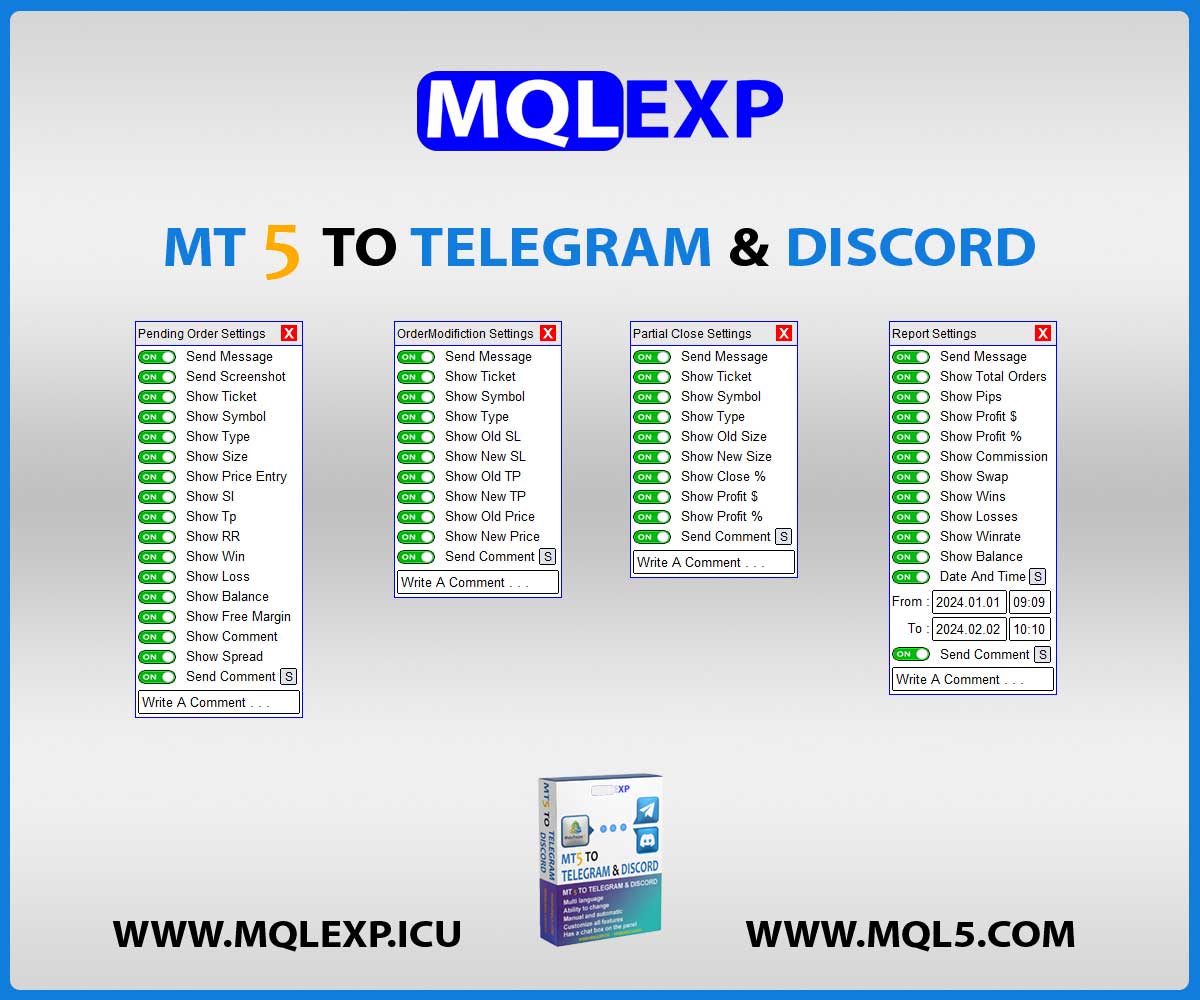
Instant broadcast of entry price, SL/TP levels, and visual trade verification. - New Pending (Screenshot)
Notify your community immediately when limit or stop orders are placed with specific price zones. - Close Order (Screenshot) + Risk Reward Box
Finalizes trade reporting with a visual R:R overlay, displaying realized gains and risk efficiency. - Order Modification (Take Profit – Stop Loss – Price for Pending)
Real-time updates on active trade adjustments (e.g., moving SL to Break Even). - Partial Close (Lots)
Tracks and reports scaled-out positions for transparency during complex trade management. - Cancel (Delete Pending)
Broadcast cancellation alerts for expired or invalidated pending setups. - Active (Pending)
Instant notification when pending orders are triggered into live market positions. - Monthly Report
Automatic generation of monthly equity growth and performance summary. - Weekly Report
Consistent weekly wrap-ups of account performance and win-rate statistics. - Daily Report
End-of-day digest covering closed positions and net pip yields. - Custom Report
Generate on-demand analytical reports for specific date ranges or trading campaigns. - Screenshot (Add custom Template)
Injects your custom.tplchart templates automatically into every screenshot captured. - Chat Box
On-chart interface for sending manual commentary or urgent market warnings. - Comment
Advanced settings to filter, modify, or append order comments before broadcast.
How to install demo version :
In order for our valued customers to be able to test the trial version of the MT4 to Telegram And Discord Channel product, we placed it on the top of the page so that you can download it.
Be careful that these versions are experimental and after completing the purchase, Telegram support will send you the original files Also, the desired files are being updated and upgraded, and dear customers in the support department, when the new and updated file is presented, the file will be sent to them in Telegram.
- Download the file from the links below
- Open the MT4 platform Select <<File>> from the main menu
- Open Data Folder // MQL4 // Expert
- Copy your EA file into this folder
- Restart Meta Trader
See the blog how to send trading signals to telegram and discord?:
In the blog section, all the instructions for installing and setting up the MT4 & MT5 to Telegram & Discord Signal Provider EA product have been placed in full, and you can refer to this section to see the training video and see how the product works and the special features of the product.
You can also view it from our blog that is on the MQL5 website.
Technical Specifications
| MetaTrader 5 |
Utilities MT5 |
|---|---|
| MetaTrader 4 |
Utilities MT4 |
| 1. |
Possibility of Manual or Automatic sending |
| 2. |
Customize Message format – Language – Emoji |
| 3. |
Customize of Gold, Silver and Bronze signals |
| 4. |
Setting related to the Screenshot at the moment of opening or closeing the position |
| 5. |
Customize which signal types to send |
| 6. |
Filter trades to send by Symbol or Magic Number |
| 7. |
Not sending or sending a special Symbol or Magic Number |
| 8. |
Ability to send Daily – Weekly – Monthly Report or customized Reports based on (Date and Time) |
| 9. |
Send an alert or point of view through the Chat Box |
| 10. |
Customizable comments |
Customer Reviews
Read customer feedback and share your own experience with this product. Reviews help other traders make informed choices.
Joseph –
🤌💪nice
Nina052 –
Highly recommend for anyone running a Forex signal service. This EA saves hours of work every week
mqlexp –
We are with you. Thank you for your positive feedback.