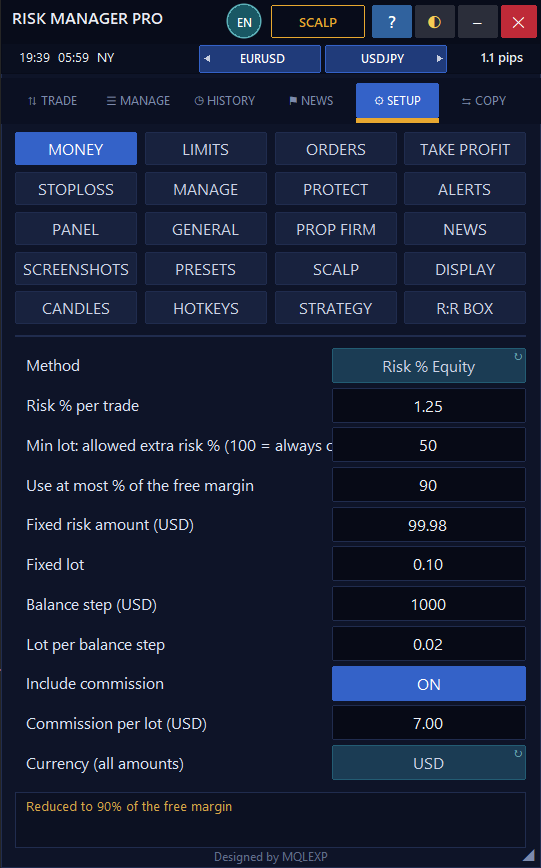
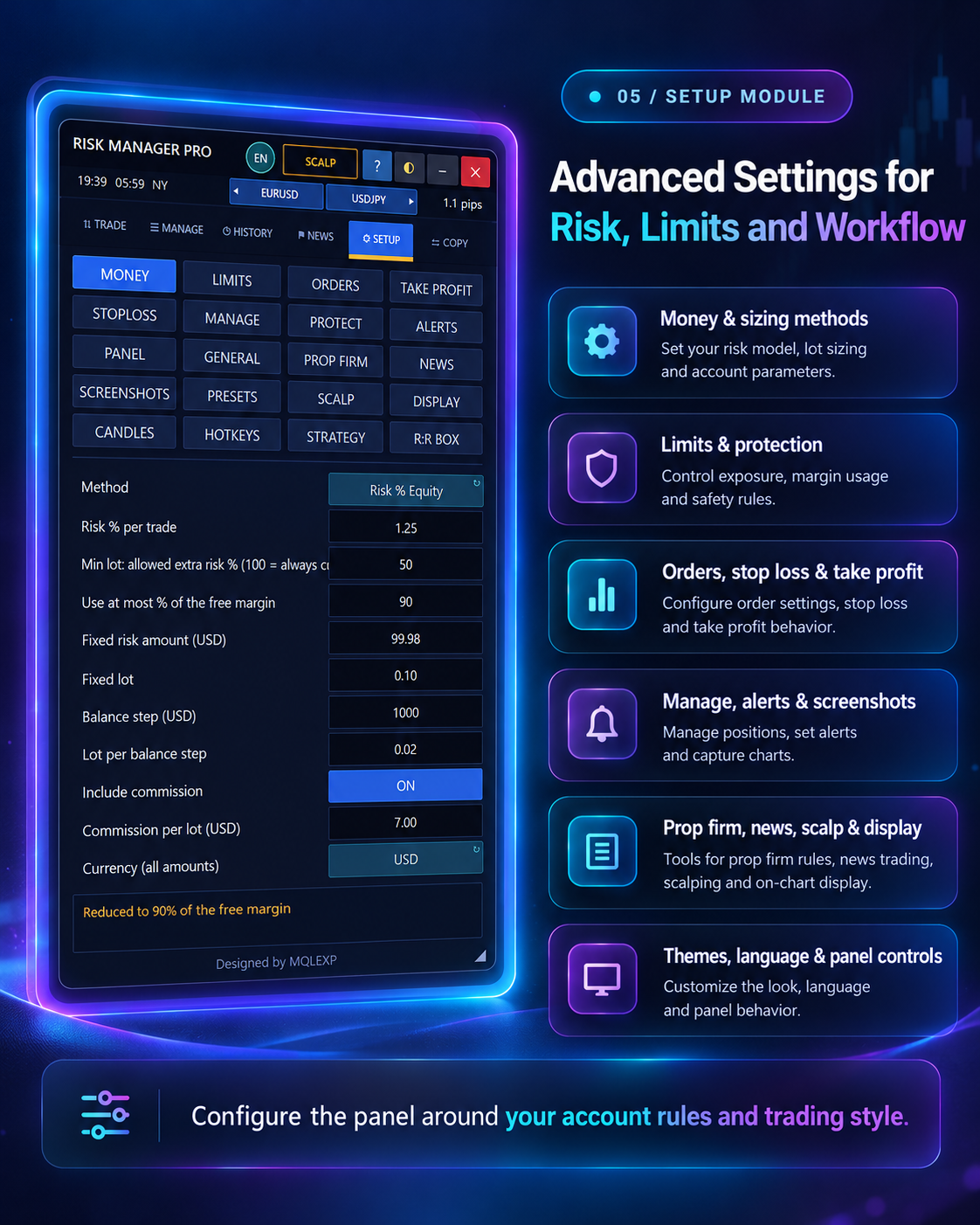
?MONEY
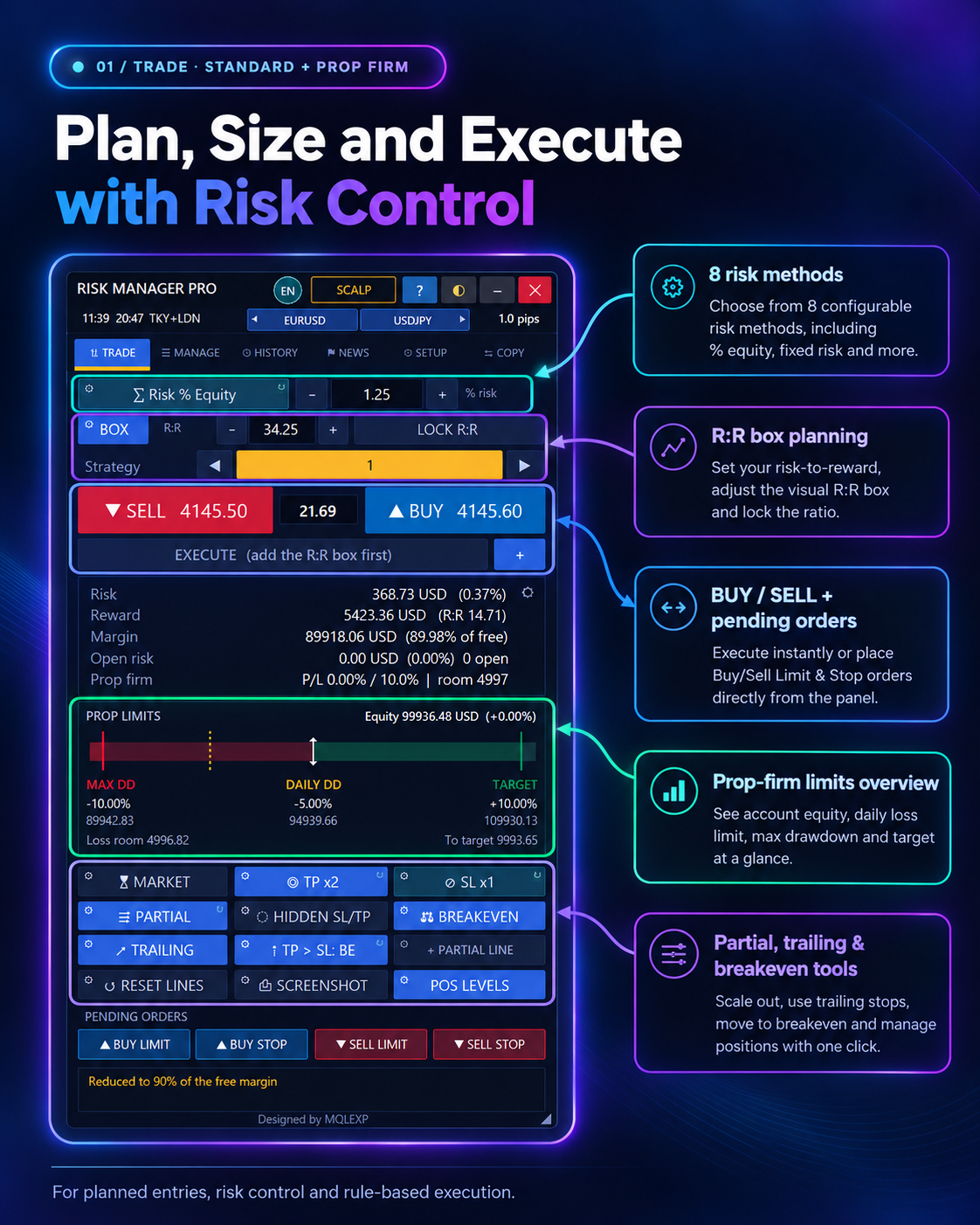
Configure eight risk-sizing models, account/risk currency, commission, minimum lot tolerance and margin cap.
?LIMITS
Set max risk or lot per trade, total open risk, max positions and daily trades, spread/slippage and minimum R:R restrictions.
?ORDERS
Configure pending order behavior, EXECUTE workflow, offsets, stop-limit options and expiry.
?TAKE PROFIT
Choose as many as five targets, volume shares, R:R distances, split orders or partial exits.
?STOPLOSS
Set stops by points, ATR or percent of price, choose one to three stages and actions after TP hits.
?MANAGE
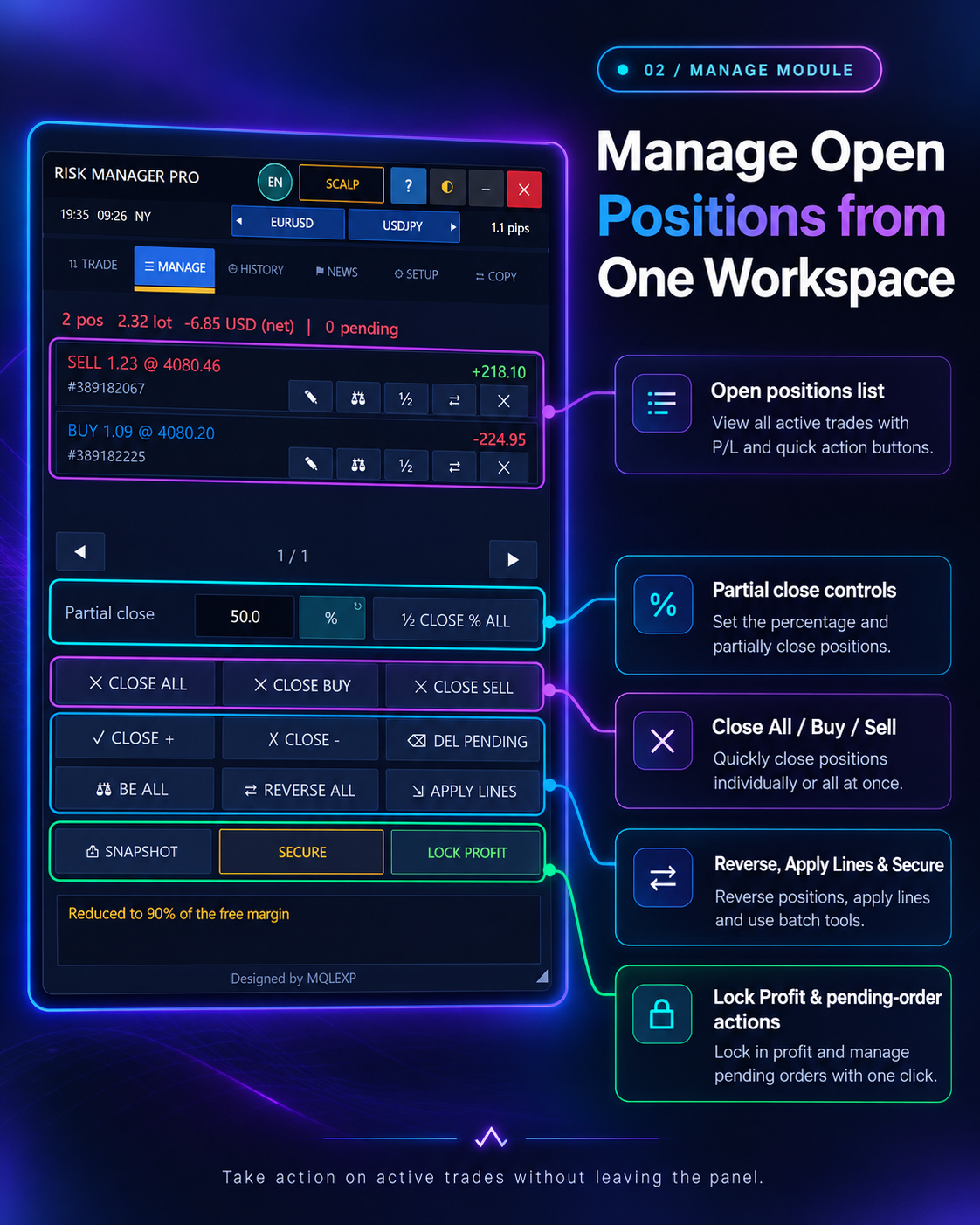
Configure breakeven, trailing, partial closes, Secure, virtual stops, position lines and Lock Profit.
?PROTECT
Set equity drawdown or equity-lock thresholds, basket TP/SL, trading-hour filters and scheduled close actions.
?PROP FIRM
Set initial balance, static/trailing drawdown, daily limit and the action to take at a breach. Match your firm's rules.
?ALERTS
Configure trade confirmations, sound, popup, push, email and event-specific notifications.
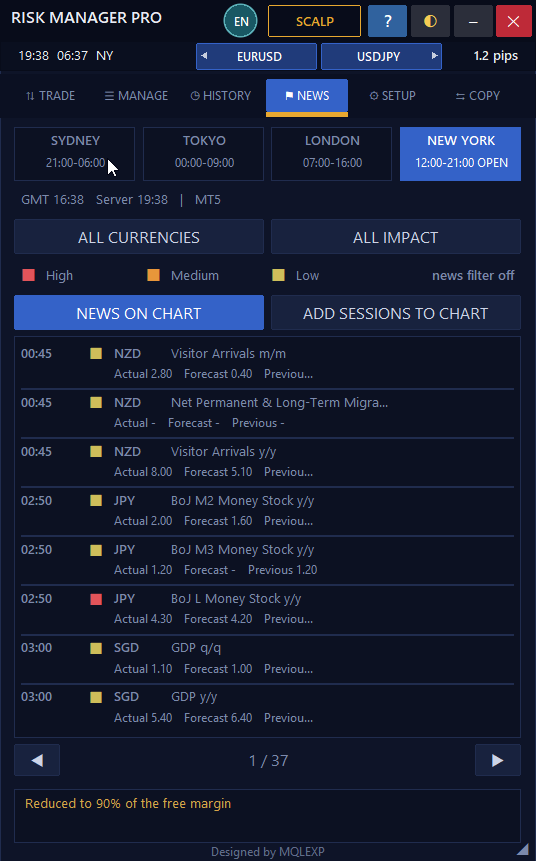
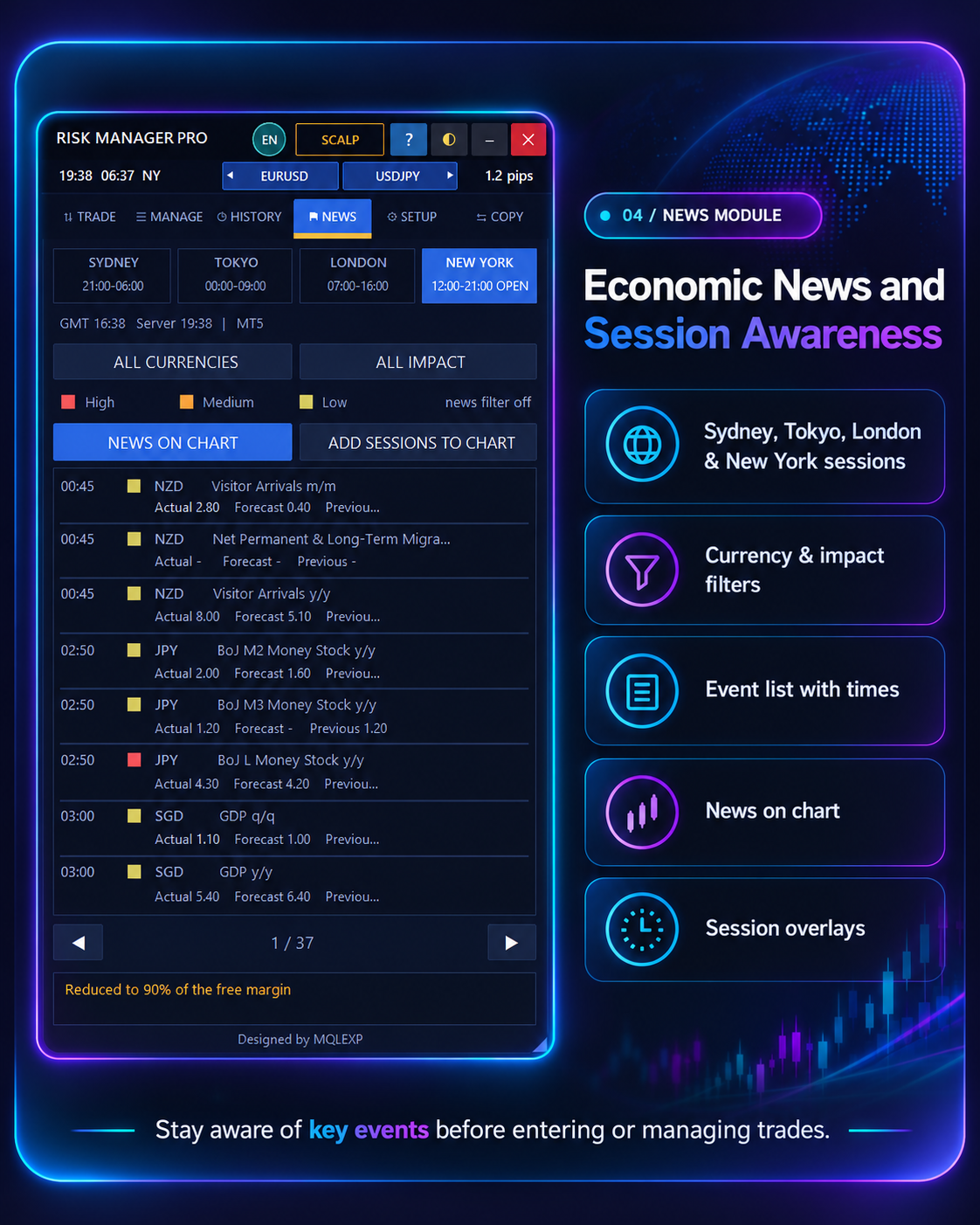
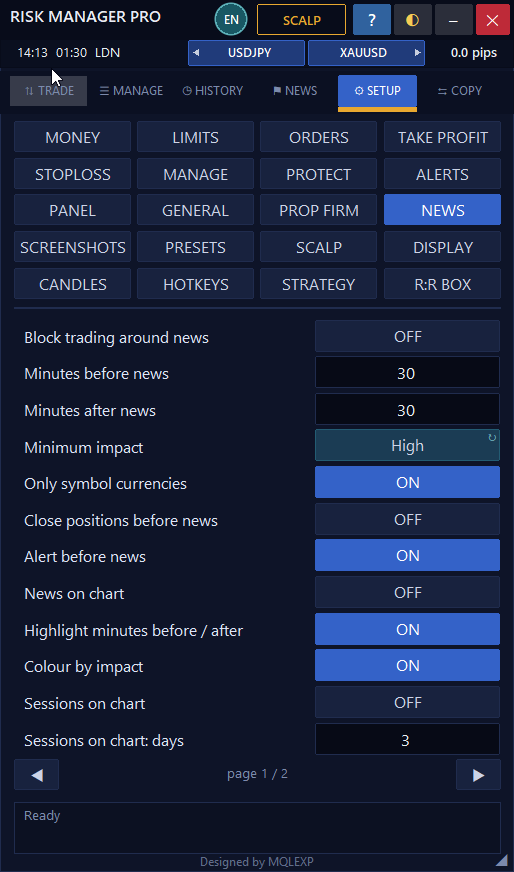
?NEWS
Configure event source, impact, currency, news windows and optional news-related trade restrictions.
?PANEL
Customize 20 themes, 16 interface languages, font, panel size/position and shared appearance. Some text remains English.
?GENERAL
Configure managed-trade scope, magic number, order fill/retry, log level, refresh interval and lighter CPU use.
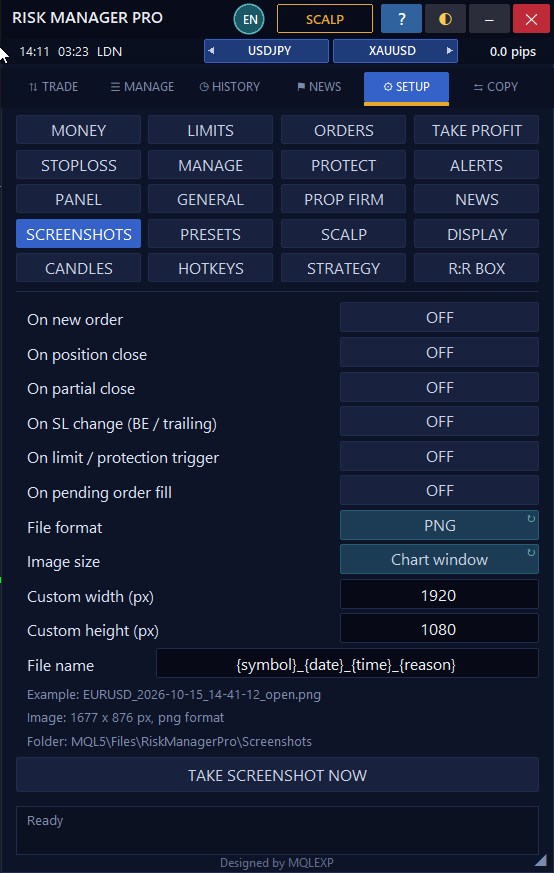
?SCREENSHOTS
Configure chart screenshots on open/close/partial/SL and protection events; settings also cover capture format and dimensions.
?PRESETS
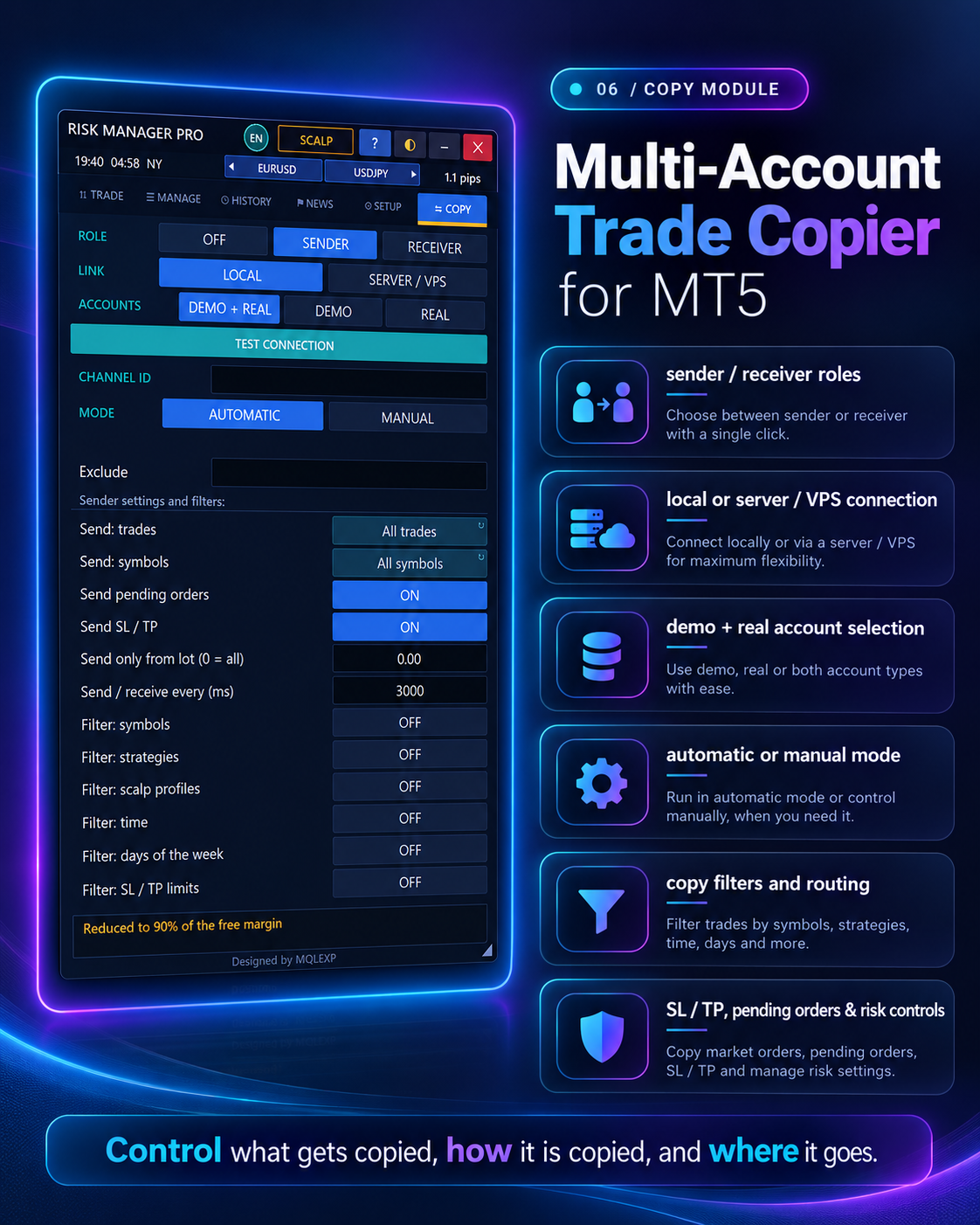
Save and load setting sets. Loading can replace broad settings, including theme and copier configuration.
?SCALP
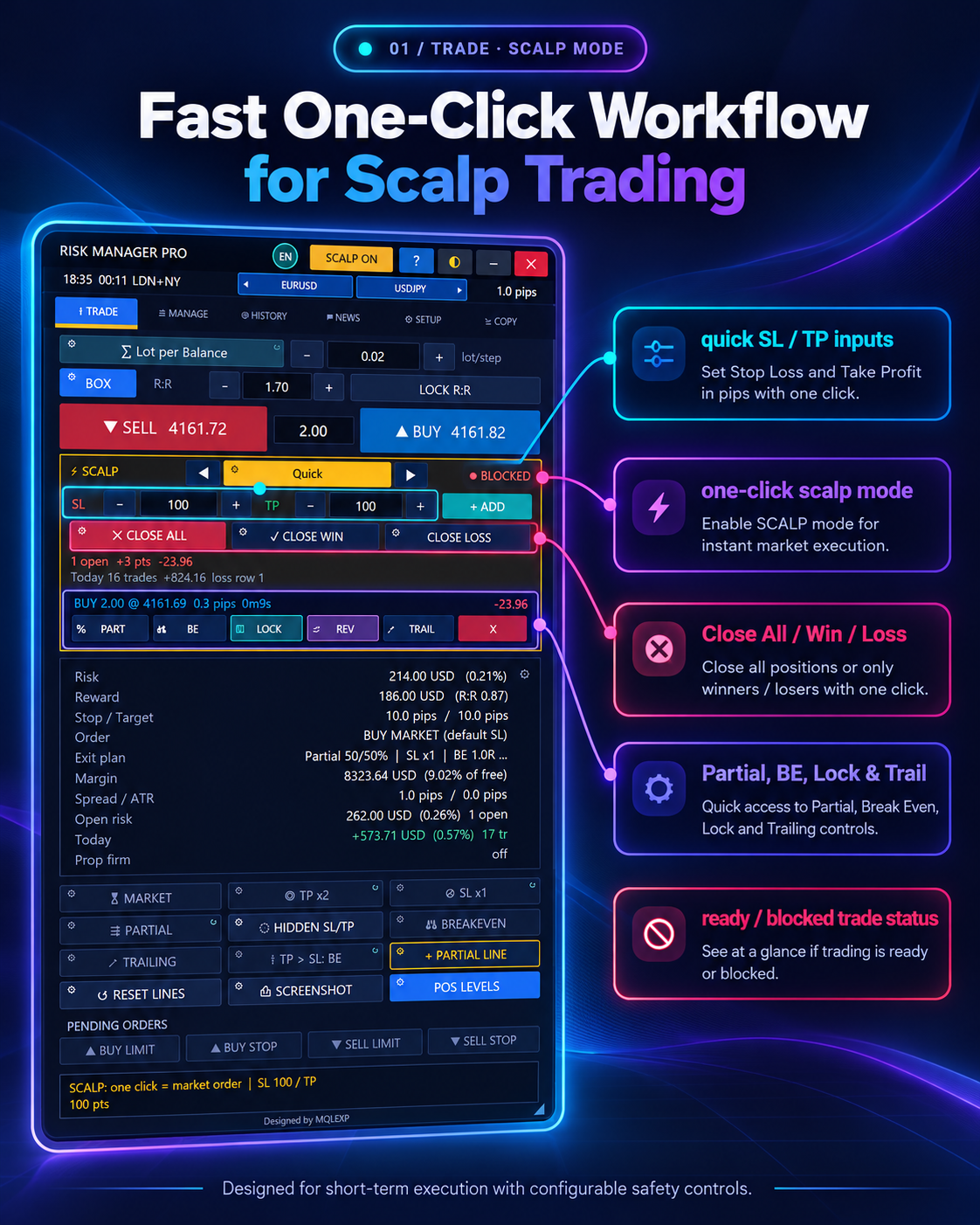
Configure profiles, SL/TP distances, one-click behavior, AUTO management and scalp-specific entry limits.
?DISPLAY
Choose displayed Trade-tab rows, strategy and prop charts, options and overlays.
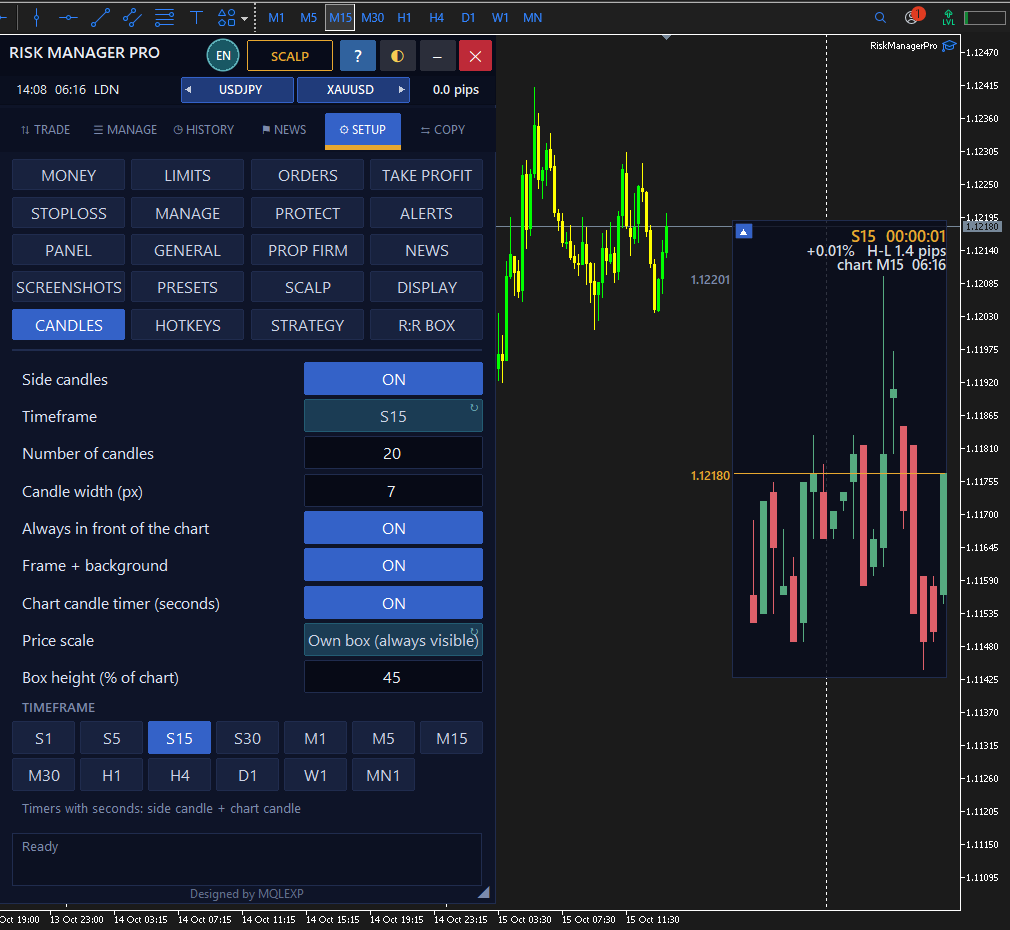
?CANDLES
Show compact side candles for an alternate timeframe with configurable number and size.
?HOTKEYS
Enable/change keyboard shortcuts for buy/sell, chart lines, exits, alerts and panel movement.
?STRATEGY
Create labels for grouping future trades; scalp trades use a separate profile tag.
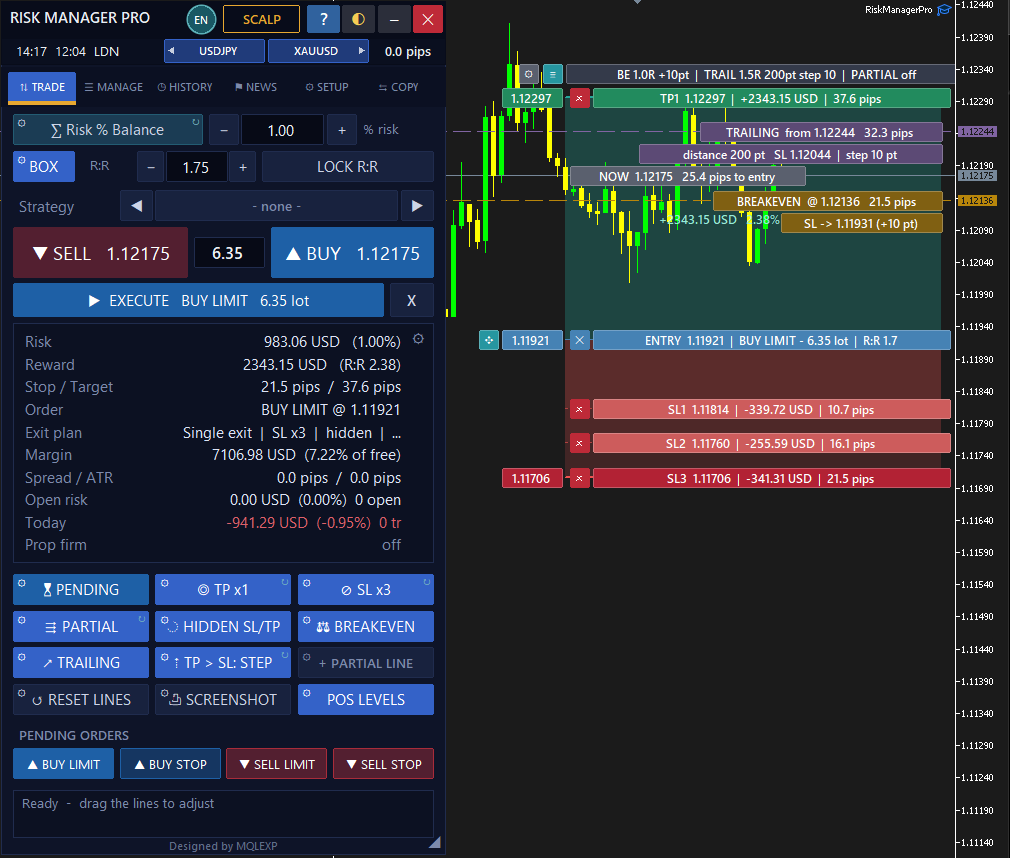
?R:R BOX
Customize zone style, labels, distances, opacity, colors and displayed summary.