





MT4 & MT5 to Discord Signal Provider EA
Broadcast your MetaTrader 4 and MetaTrader 5 trading operations directly to your Discord community with zero latency. The MT4 & MT5 to Discord Signal Provider EA transforms your terminal into an automated broadcasting hub, delivering real-time execution alerts, chart screenshots, and scheduled performance reports via native Discord Webhooks.
- Dual Terminal Inclusion: Full package includes both MT4 (
.ex4) and MT5 (.ex5) compiled files. - Automated & Manual Modes: Transmit trades automatically or trigger filtered signals manually from the on-chart panel.
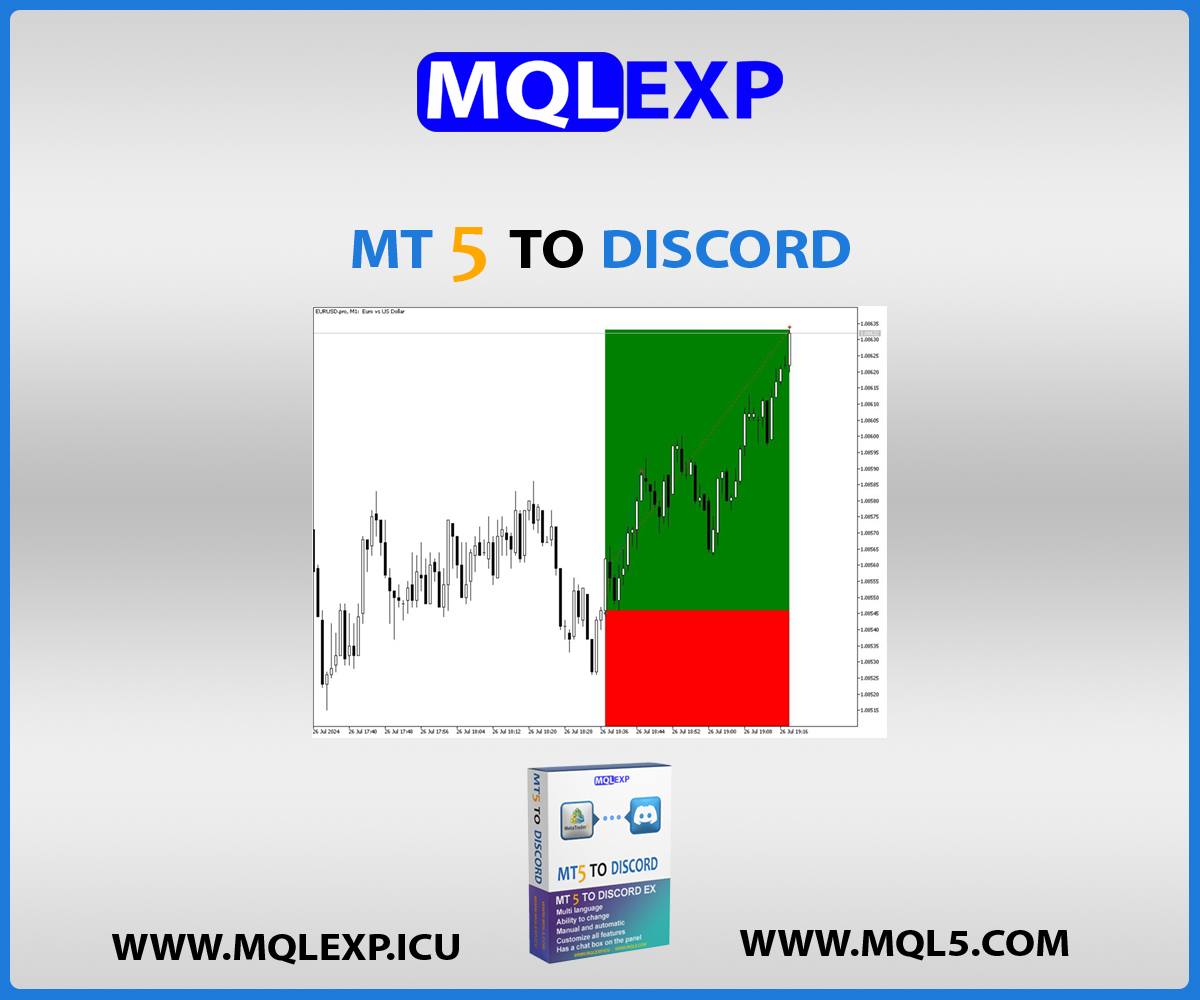
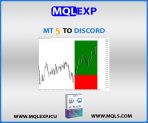
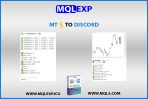
- Visual Trade Proof: Automatically posts chart snapshots with your custom indicators and templates applied.
- Advanced Filtering: Route or exclude orders using Magic Numbers, specific Symbols, and Signal Tiers (Gold, Silver, Bronze).
Download the complete demo package below to test all features directly on your terminal.
$30.00
Resources & Support
Telegram Support
Official product support on Telegram
YouTube Tutorials
Setup guides & product walkthroughs
MQL5 Market
Explore our official MQL5 store
Why Choose MQLEXP Tools
Official Product Access
Download and activation through each product’s listed official sales channel.
Purpose-Built Trading Tools
Developed for practical MetaTrader workflows, with clear product specifications.
Platform-Specific Products
Check the MT4 or MT5 compatibility stated on each product page.
Guides & Updates
Product documentation, setup instructions and release information.
MT4 & MT5 to Discord Signal Provider EA Designed for Success
Professional forex traders often need to post their trade reports on modern social and community platforms to share setups, entries, and performance records with their members. As active traders know, MetaTrader 4 and MetaTrader 5 (developed by MetaQuotes) remain the industry-standard software for executing institutional and retail forex operations.
Discord has rapidly evolved from a communication tool into the premier platform for structured trading communities, prop-firm discussions, and VIP signal networks. Operating through high-speed, direct Webhooks, Discord allows server administrators to organize multiple dedicated channels, assign community roles, and present rich formatted embeds with zero message latency.
MQLEXP bridges this gap seamlessly: this all-in-one Expert Advisor (EA) turns your MetaTrader 4 or MetaTrader 5 terminal into a professional Signal Provider, streaming your trade executions, chart analytics, and periodic performance records straight to your Discord channels.
Introduction to the Expert Advisor
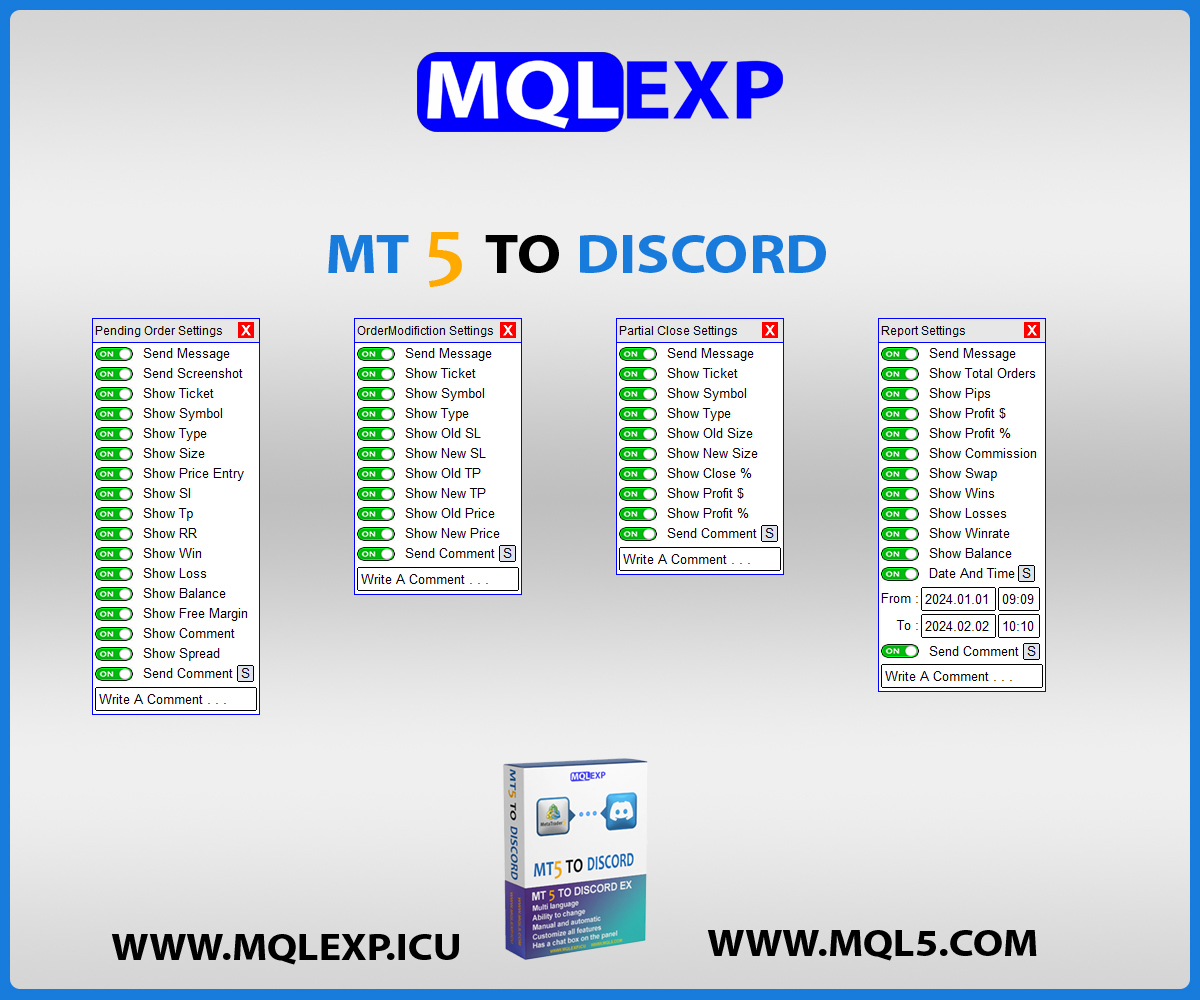
MT4 & MT5 to Discord Signal Provider EA is an easy-to-use, powerful, and highly customizable tool. Built with an attractive and responsive graphical user interface (GUI) directly on your trading chart, it allows you to broadcast fully adjustable signals in two operating modes:
- Automatic Sending: The EA detects every execution, modification, or closure instantly and broadcasts it to Discord in real-time.
- Manual Sending: Trigger your preferred trade alerts or selective setups directly using the on-chart interactive controls.
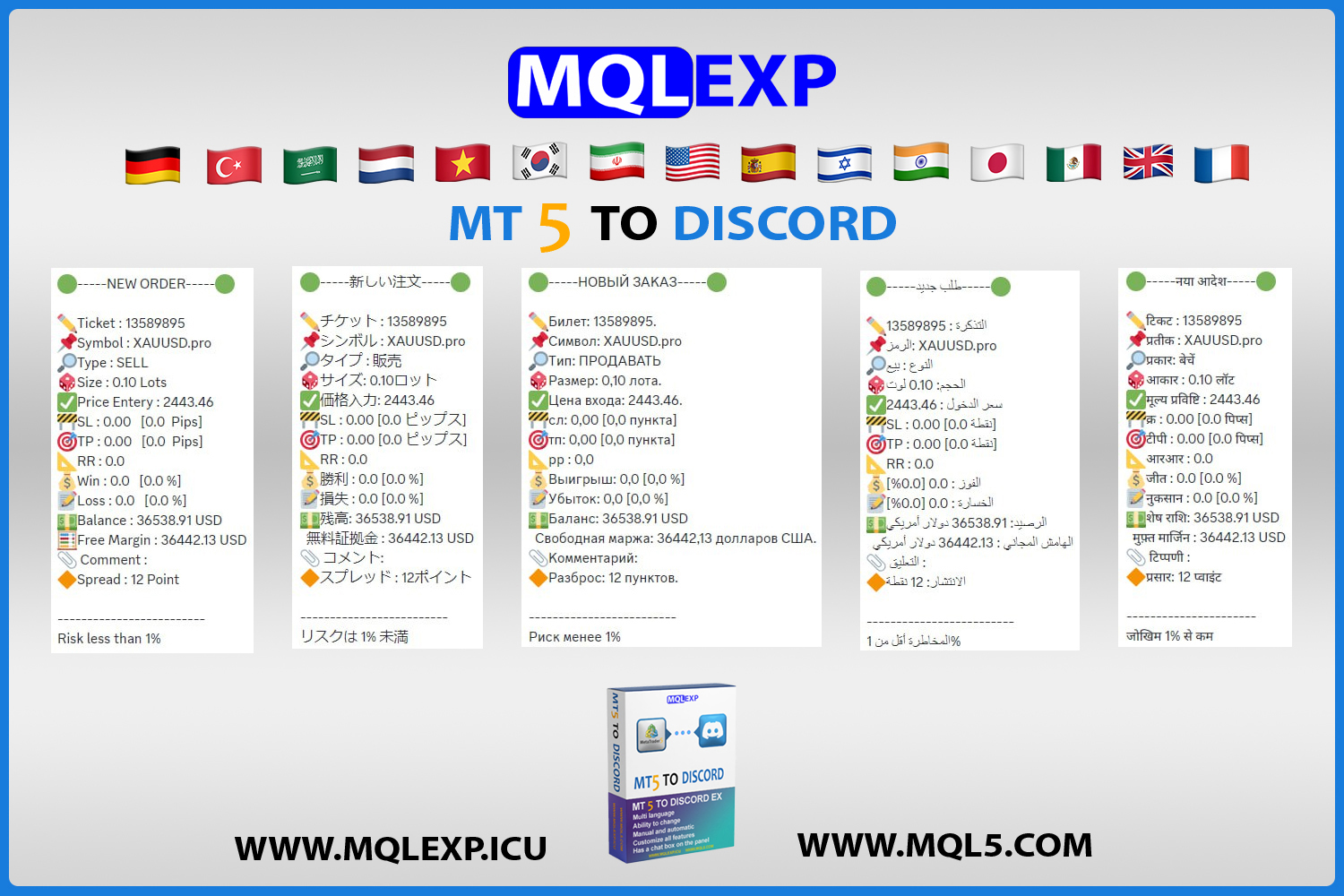
Every message format, language, and emoji set can be personalized and fine-tuned to your server’s branding. You have complete control to enable or disable specific parts of any message before it reaches your community.
Key features MT4 & MT5 To Discord Signal Provider EA
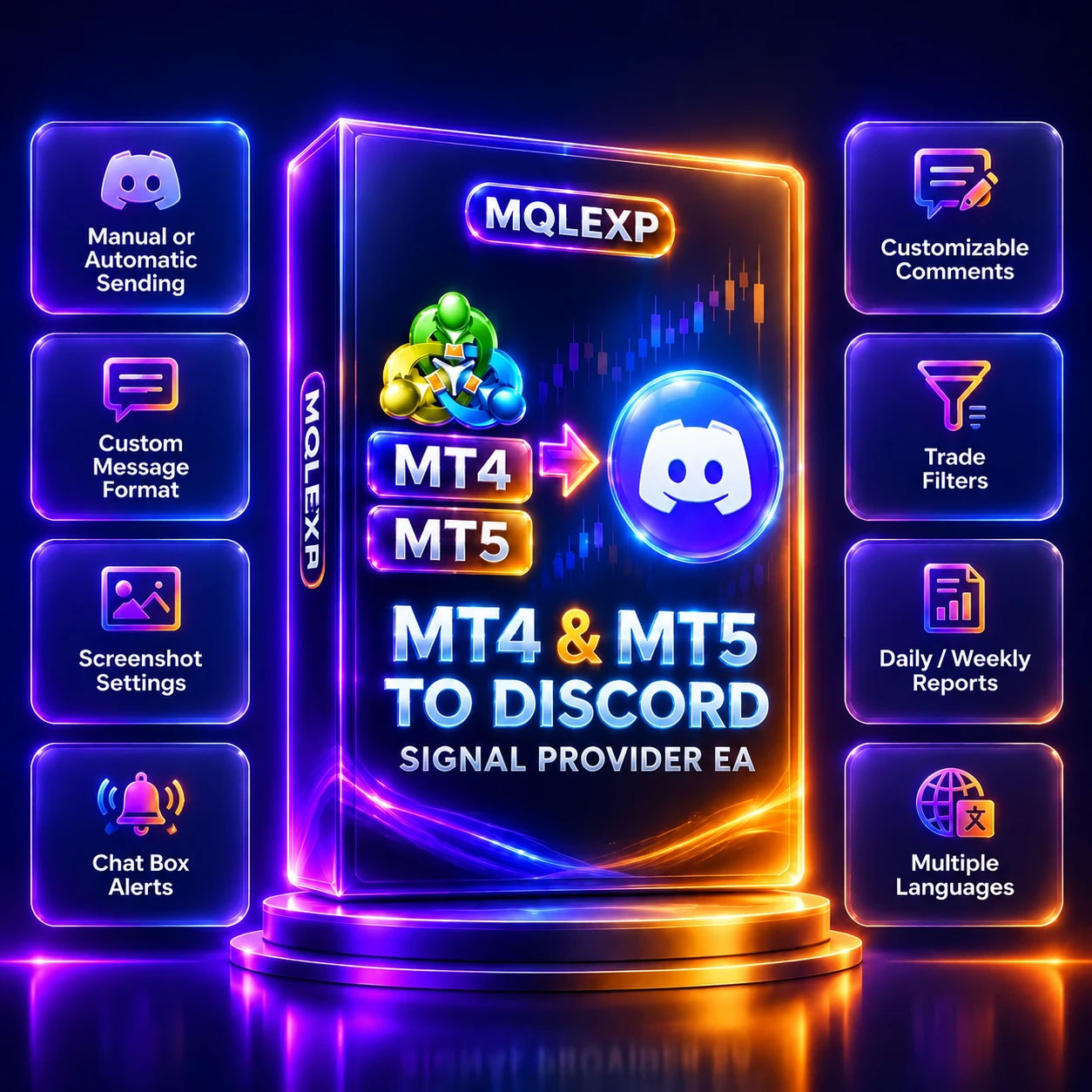
- Possibility of Manual or Automatic sending:
Choose hands-free auto-broadcasting or execute verified signals manually from your chart. - Customize Message format – Language – Emoji:
Fully adjust message layouts, translations, and emojis to match your server style. - Customize of Gold, Silver and Bronze signals:
Categorize your trading signals by tier (Gold, Silver, Bronze) to route alerts to distinct VIP or role-based Discord channels. - Setting related to the Screenshot at the moment of opening or closeing the position:
Capture exact execution moments visually for trade transparency. - Customize which signal types to send:
Selectively choose which order actions and events trigger a notification. - Filter trades to send by Symbol or Magic Number:
Isolate specific pairs or EA strategies so only targeted trades reach your community. - Not sending or sending a special Symbol or Magic Number:
Whitelist or blacklist individual symbols or magic numbers with granular inclusion/exclusion rules. - Ability to send Daily – Weekly – Monthly Report or customized Reports based on (Date and Time): Keep your subscribers updated with scheduled or on-demand performance summaries.
- Send an alert or point of view through the Chat Box:
Broadcast market analysis, news warnings, or personal technical insights directly to your Discord chat. - Customizable comments:
Attach tailored notes, strategies, or trade tags to every broadcasted alert.
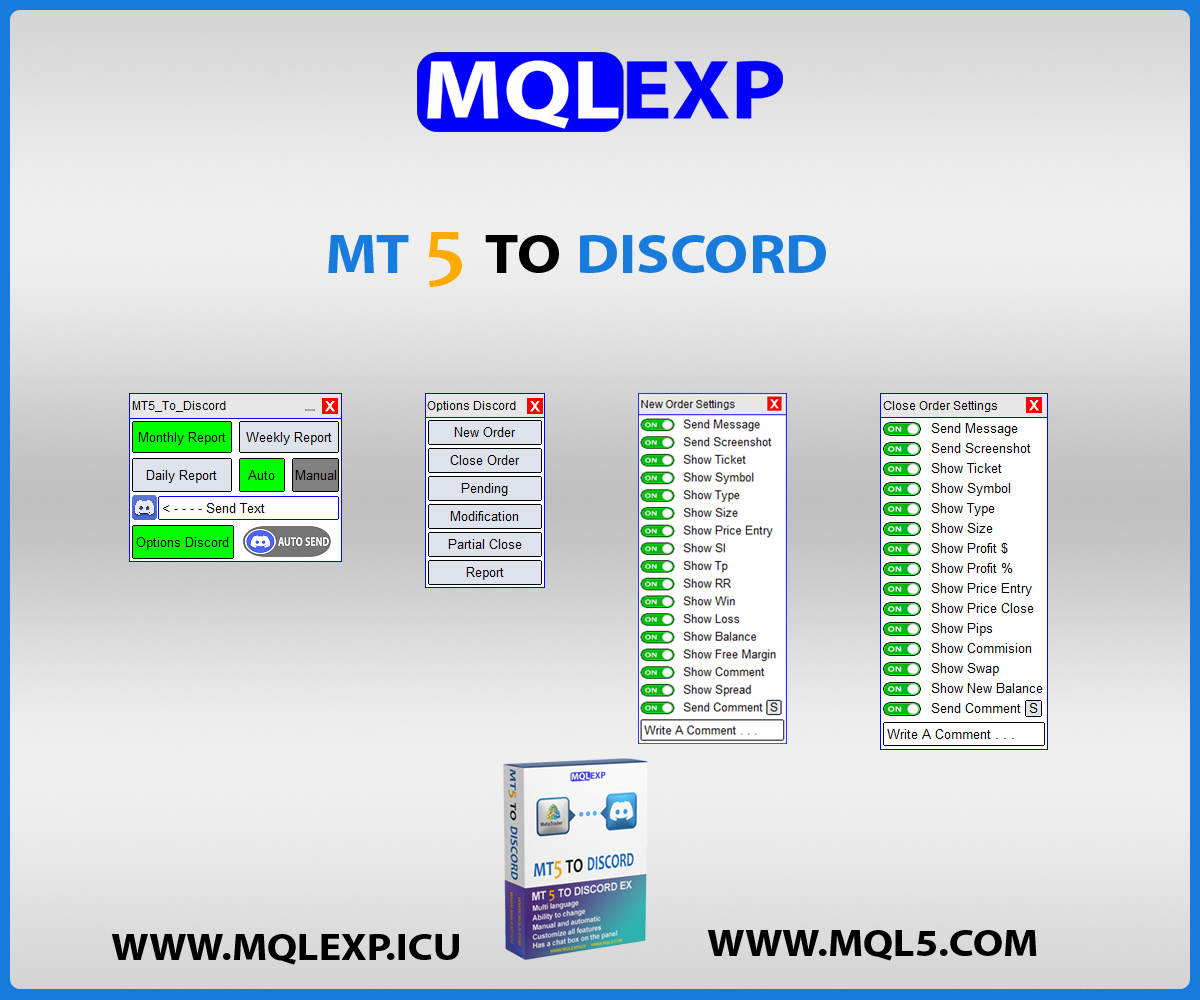
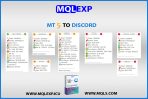
Complete settings for order details
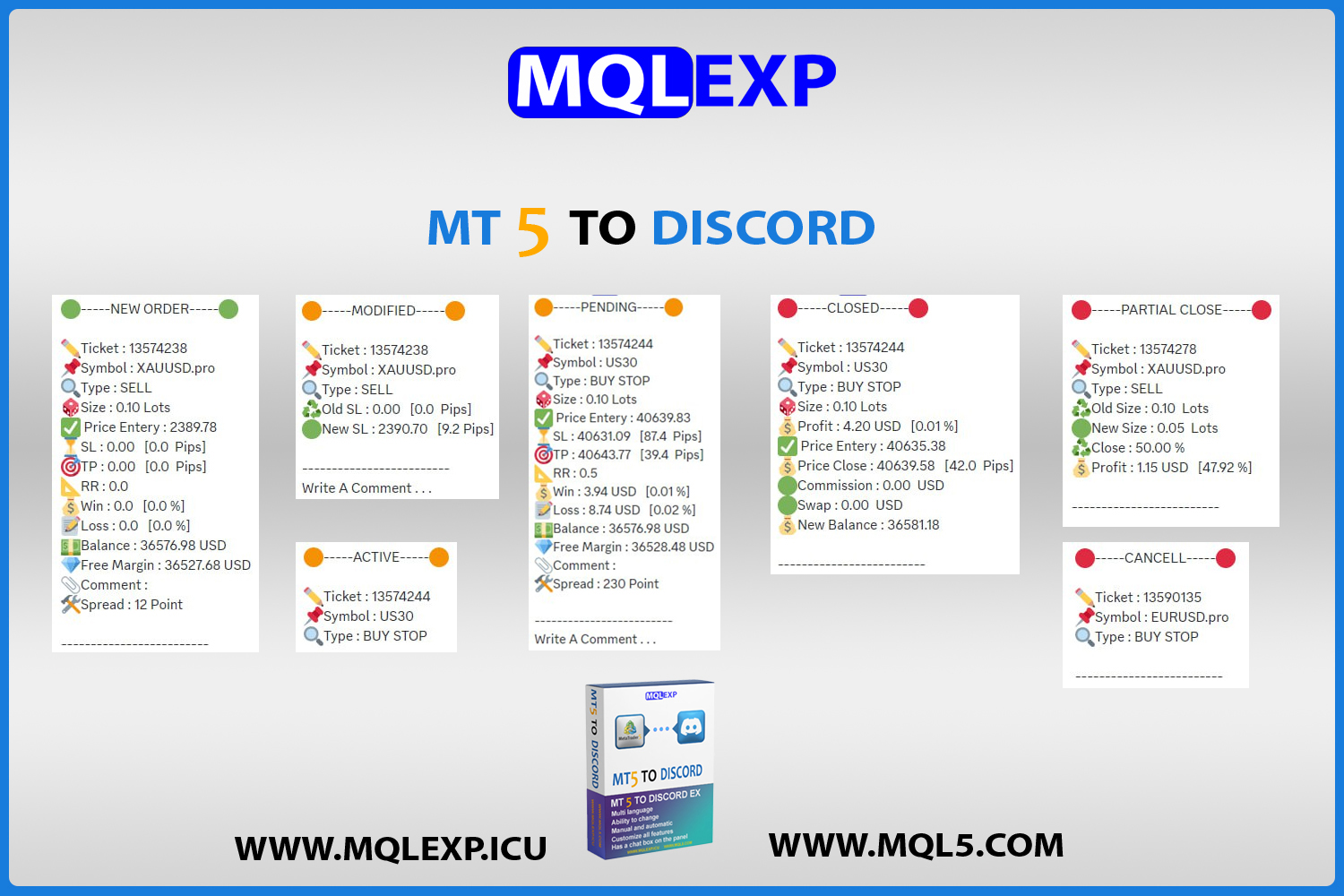
The EA provides granular configuration and visual reporting across the entire trade lifecycle:
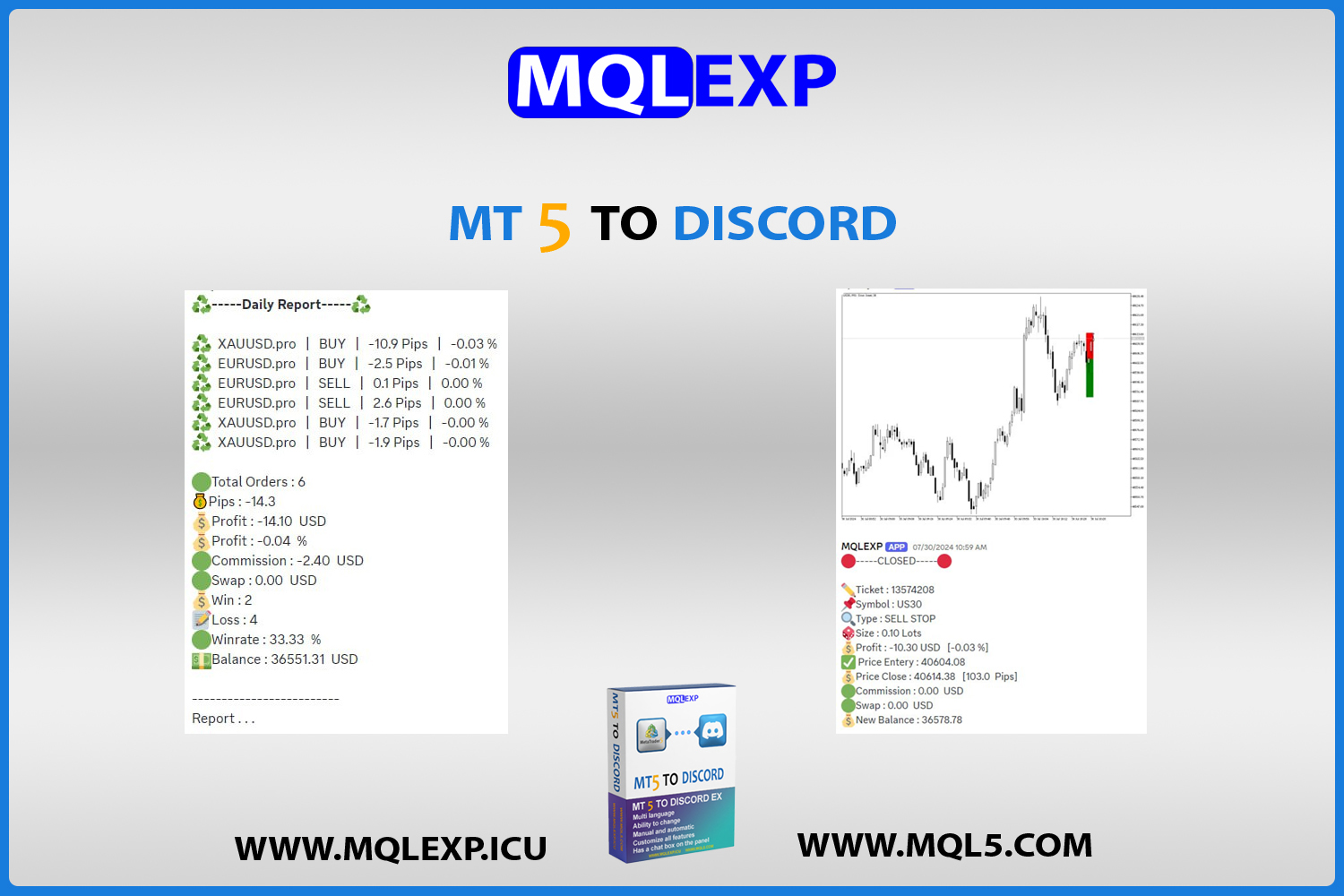
- New Order (Screenshot):
Instant notification of newly opened market orders with an attached live chart image. - New Pending (Screenshot):
Alerts for Buy/Sell Limits and Stops with attached chart capture. - Close Order (Screenshot) + Risk Reward Box:
Final closure alert showing profit/loss metrics, an embedded Risk/Reward ratio calculation box, and the closing chart screenshot. - Order Modification (Take Profit – Stop Loss – Price for Pending):
Live tracking when SL, TP, or pending prices are updated. - Partial Close (Lots):
Accurately reports partial lot closures without distorting original position records. - Cancel (Delete Pending):
Broadcasts when pending orders are deleted or cancelled. - Active (Pending):
Notifies when a pending order gets triggered into an active market position. - Monthly Report:
Automated monthly balance, equity, and performance breakdown. - Weekly Report:
Scheduled weekly trading digest delivered directly to your server. - Daily Report:
End-of-day summary tracking daily profit, pips, and win rate. - Custom Report:
Generate customized performance reports filtered by custom Date and Time. - Screenshot (Add custom Template):
Apply your preferred chart template (indicators, color schemes, drawings) automatically onto captured screenshots before posting to Discord. - Chat Box:
Dedicated terminal interface to type and publish direct announcements into Discord. - Comment:
Add customized trade annotations to outgoing signal embeds.
How to install demo version
In order for our valued customers to be able to test the trial version of the MT4 & MT5 to Discord Channel product, we placed the download button on the top of this page so you can easily download it.
Please note that these demo versions are experimental and designed for evaluation. After completing the purchase of the commercial version, our support team will provide you with the full, licensed files via Telegram support. Furthermore, all our products receive continuous updates and upgrades; whenever a new update is released, the latest files are delivered directly to licensed clients via Telegram support.
Step-by-Step Installation:
- Download the demo package from the download button above and extract the files.
- Open your MetaTrader terminal (MT4 or MT5).
- Select File from the main menu, then click Open Data Folder.
- Navigate to
MQL4/Experts(for MT4) orMQL5/Experts(for MT5). - Copy the respective EA file (
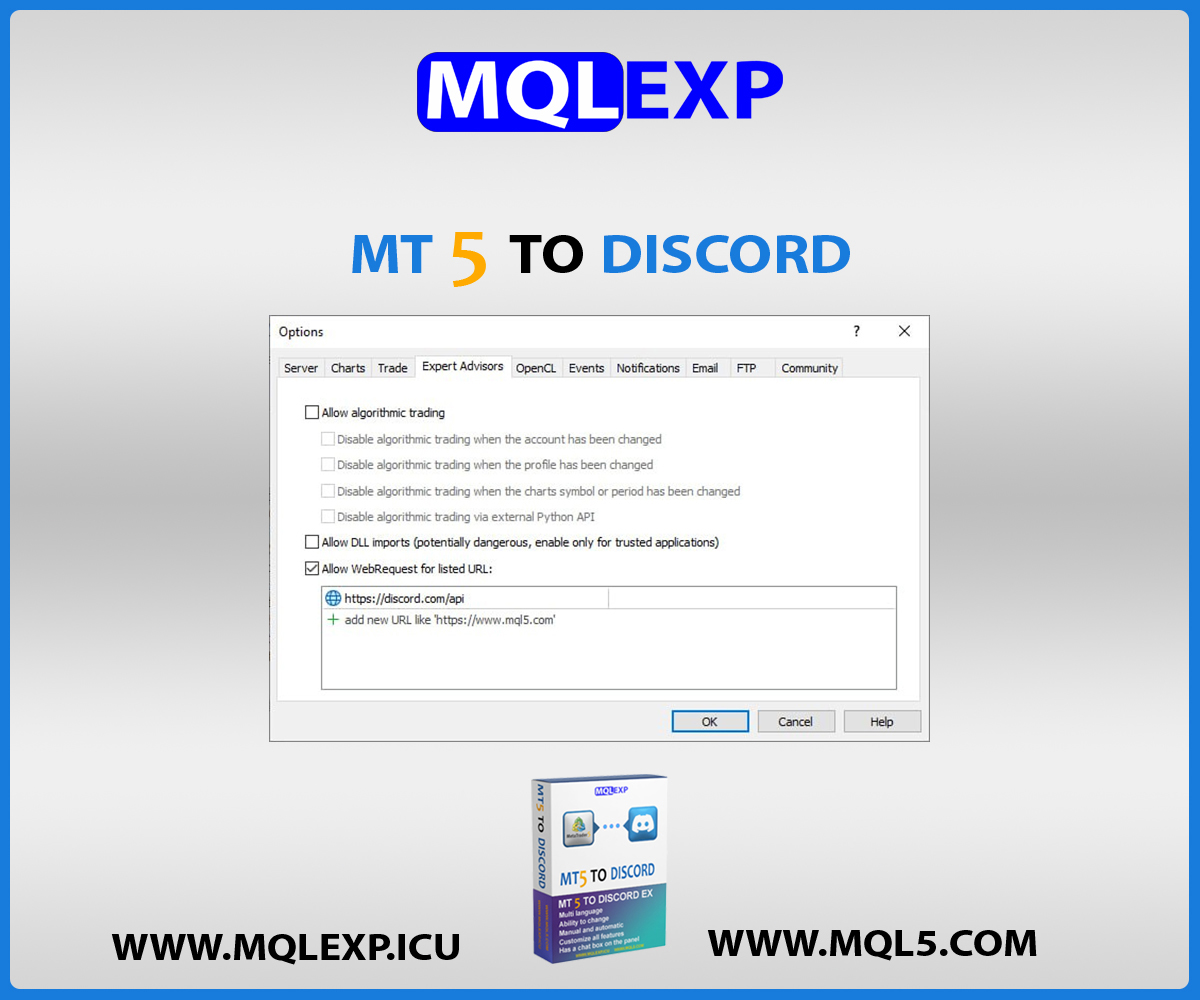
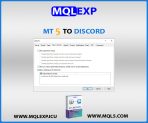
.ex4or.ex5) into this folder. - In MetaTrader, navigate to Tools > Options > Expert Advisors, check “Allow WebRequest for listed URL”, and add:
https://discord.com - Restart your MetaTrader terminal.
- Attach the EA to your desired chart, insert your Discord Webhook URL into the EA settings, and enable Algo/AutoTrading.
Frequently Asked Questions
How does this compare to the MT4/MT5 to Telegram product?
Both tools share the same complete set of trading logic, order filtering, and screenshot capabilities. However, this edition is specifically architected for Discord: it utilizes native Discord Webhooks, embeds, and role-tiering channels (Gold, Silver, Bronze), allowing you to manage organized multi-channel servers rather than a single chat feed.
Is there a separate version for MT5?
You no longer need to search for separate products! This unified package includes both the MT4 and MT5 versions together, ensuring complete feature parity across both platforms.
Do I need a bot token or external server?
No. You only need a standard Discord Webhook URL generated directly from your Discord server channel settings. No third-party servers, coding, or bots are required.
Get the Full Commercial License
To upgrade from the demo to the official unrestricted commercial license with lifetime updates and full technical support, contact our dedicated support team directly:
Telegram Support: https://t.me/MQLEXP_Support
Technical Specifications
| MetaTrader 5 |
Utilities MT5 |
|---|---|
| MetaTrader 4 |
Utilities MT4 |
| 1. |
Manual or automatic signal delivery |
| 2. |
Send to Telegram channels or groups |
| 3. |
Fully customizable message content, language, emoji, structure |
| 4. |
Choose which trade types to report |
| 5. |
Filter by symbol or magic number |
| 6. |
Add screenshots for trade open/close (customizable templates supported) |
| 7. |
Send categorized signals: Gold, Silver, Bronze |
| 8. |
Enable/Disable any part of the message body |
| 9. |
Generate and send automated reports |
Customer Reviews
Read customer feedback and share your own experience with this product. Reviews help other traders make informed choices.
Johnson –
I have been using this robot for several months and I am really satisfied and it is very excellent in terms of features
mqlexp –
Thank you for your feedback.