



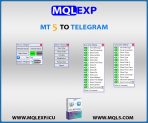
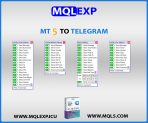
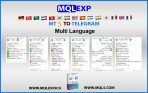
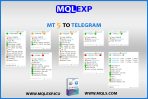
MT4 & MT5 to Telegram Signal Provider EA
MT4 & MT5 to Telegram Signal Provider EA| Free Demo Download
Experience the most seamless way to bridge your MetaTrader trading to Telegram. Download our all-in-one demo package today to test the full potential of our signal delivery system on your terminal.
- Platform Compatibility: Both MT4 (.ex4) & MT5 (.ex5) native files included.
- Access: Instant access, no registration or checkout required.
- Performance: Real-time, ultra-fast signal delivery.
Download the complete demo package below to test all features directly on your terminal immediately.
$30.00
Resources & Support
Telegram Support
Official product support on Telegram
YouTube Tutorials
Setup guides & product walkthroughs
MQL5 Market
Explore our official MQL5 store
Why Choose MQLEXP Tools
Official Product Access
Download and activation through each product’s listed official sales channel.
Purpose-Built Trading Tools
Developed for practical MetaTrader workflows, with clear product specifications.
Platform-Specific Products
Check the MT4 or MT5 compatibility stated on each product page.
Guides & Updates
Product documentation, setup instructions and release information.
Bridge Your Market Analysis to Telegram in Milliseconds
Stop switching between your terminal and messaging apps. The MQLEXP MT4 & MT5 to Telegram Signal Provider EA is engineered for modern traders, prop firm managers, and signal providers who demand ultra-low latency, complete automation, and high reliability. Whether you are scalping or running long-term setups, this Expert Advisor broadcasts your market insights to your Telegram channel or group the exact millisecond a trade executes.
What You Get in the Package
We have eliminated complicated licensing setups. Downloading the package gives you an all-in-one file containing:
- MT4 Native Version: Fully compatible with all MetaTrader 4 builds (.ex4).
- MT5 Native Version: High-speed architecture optimized for MetaTrader 5 (.ex5).
- Quick Setup Guide: Simple step-by-step documentation to connect your Telegram Bot API token in under 2 minutes.
Why Choose Our Telegram Signal Provider?
- Universal Broker & Asset Support: Works seamlessly across Forex pairs, Indices, Cryptocurrencies, and Commodities (Gold, Silver, Oil).
- Deep Customization: Filter signals by Stop Loss (SL), Take Profit (TP), magic numbers, or custom chart timeframes.
- Institutional-Grade Stability: Built with clean, native MQL code to eliminate terminal freezes and ensure 24/7 uptime.
Core Features & Capabilities
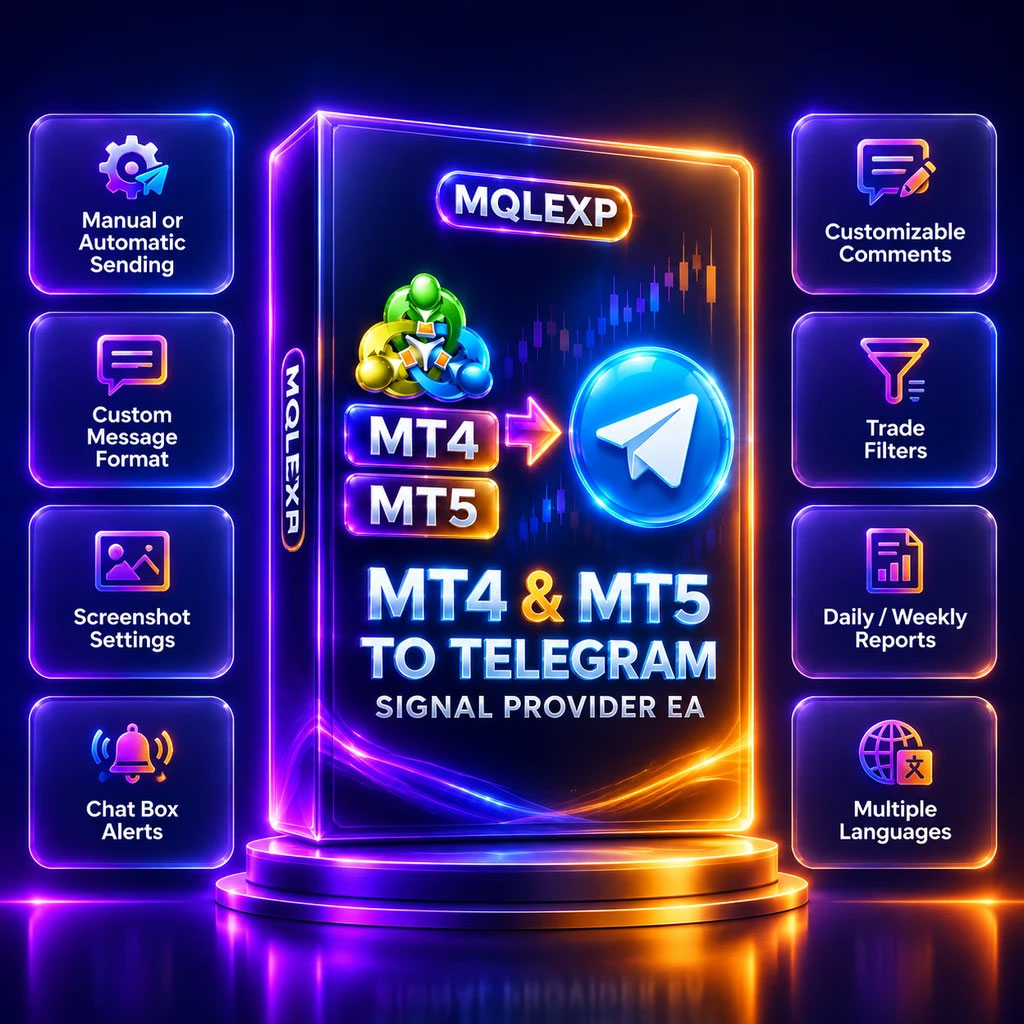
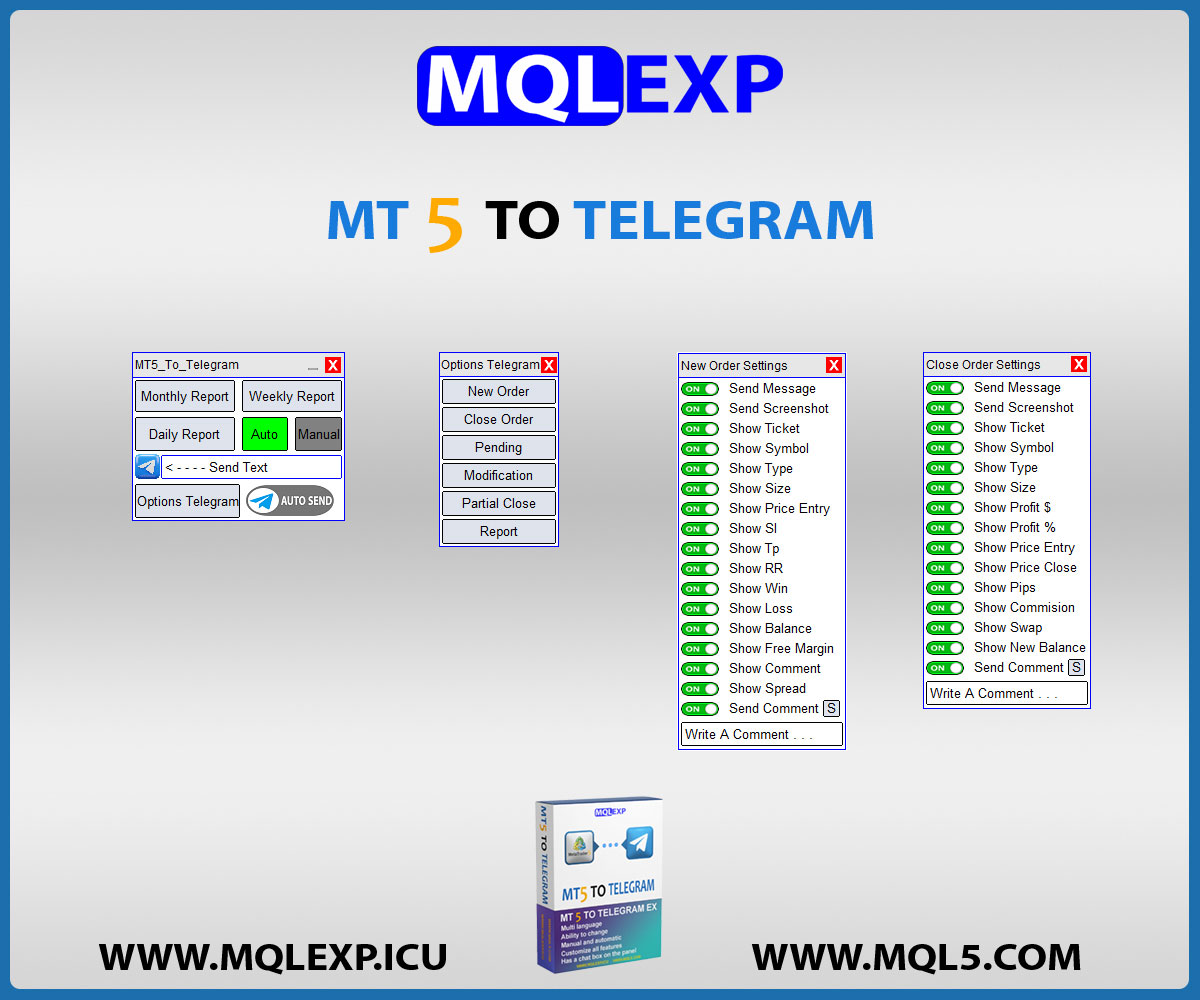
- ✅ Automatic or Manual Signal Delivery:
Push alerts automatically on trade execution or trigger them manually with a single click. - ✅ Send to Any Channel or Group:
Broadcast to unlimited private VIP channels, public channels, or team groups. - ✅ Custom Message Architecture:
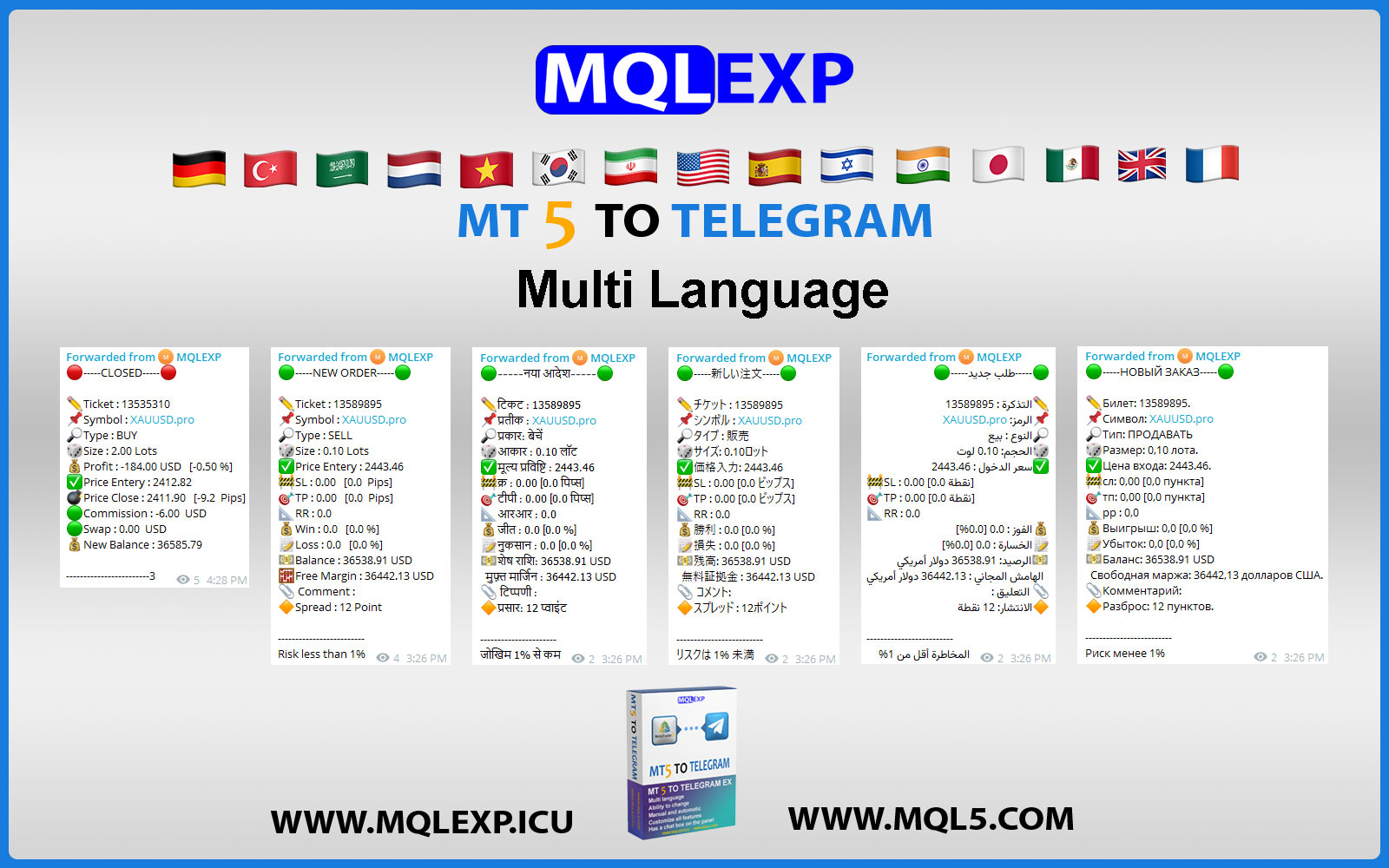
Tailor message formatting, layouts, languages, and custom emojis to reflect your brand identity. - ✅ Categorize Signal Tiers (Gold, Silver, Bronze):
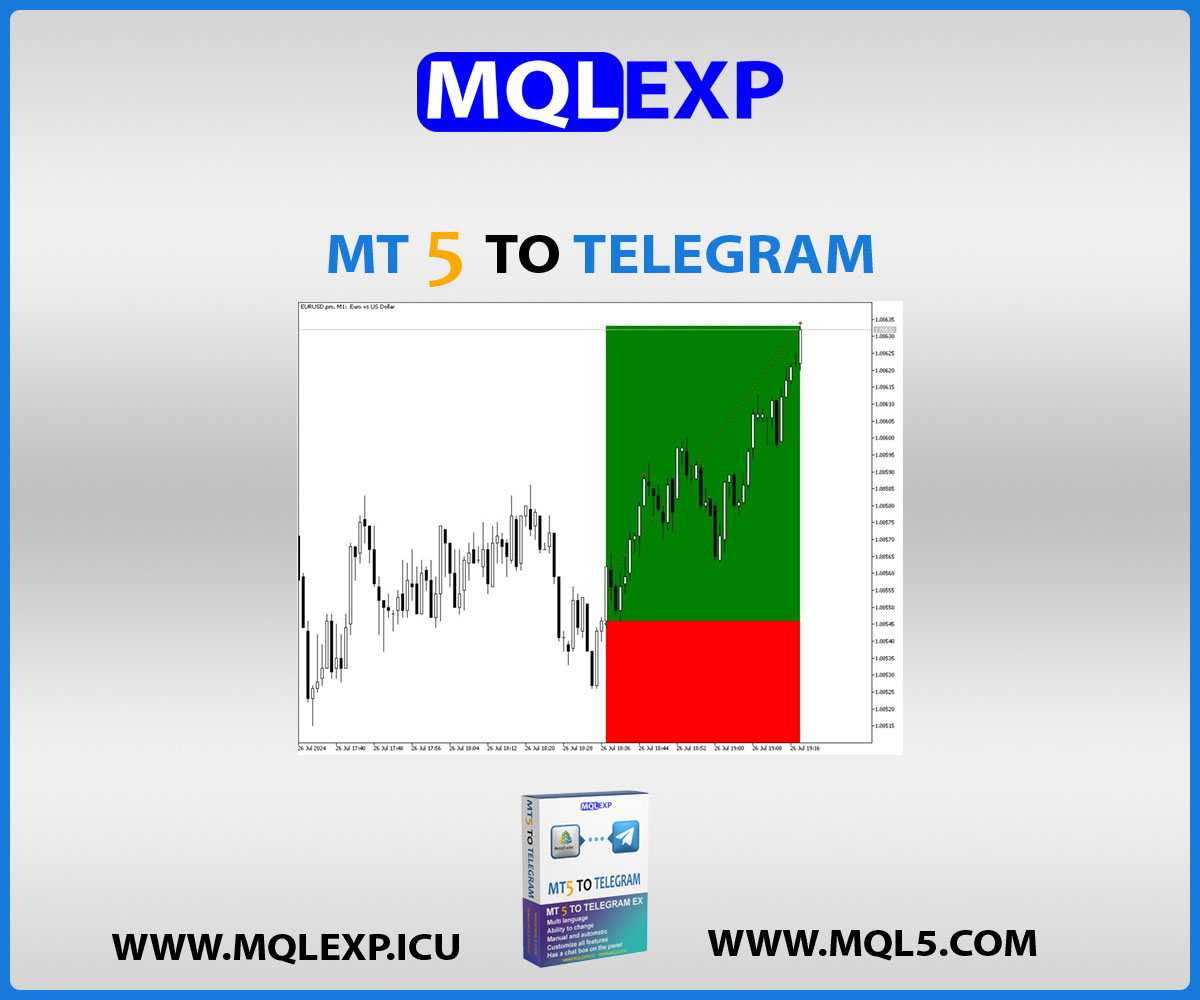
Tag and classify alerts based on risk profile or trade setups. - ✅ Automated Chart Screenshots:
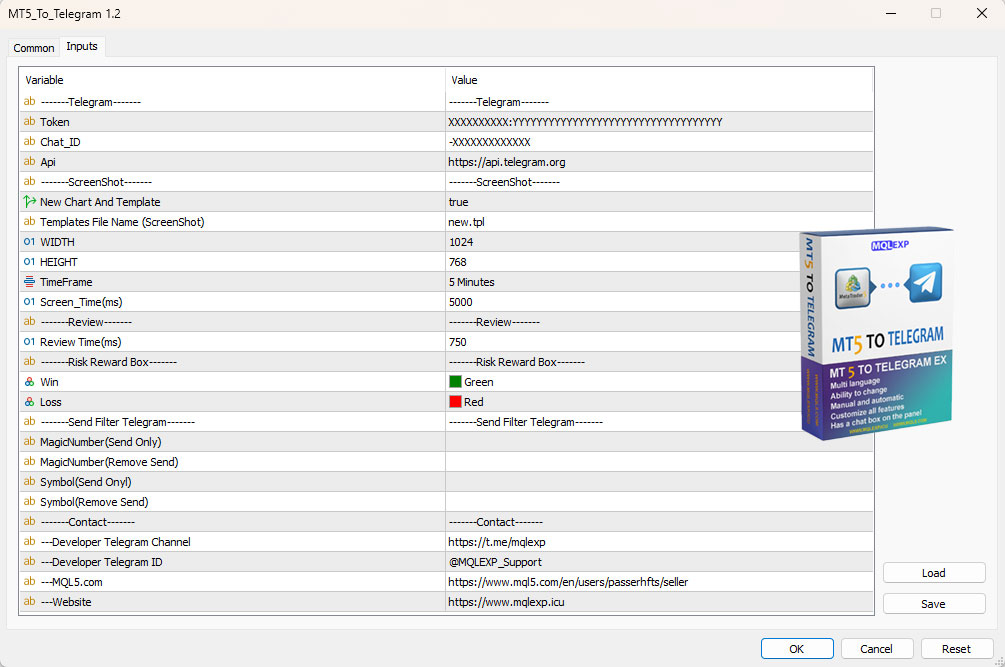
Capture and send clean chart images upon order entry or exit, complete with custom branding templates. - ✅ Advanced Filtering:
Filter out unwanted trades by symbol, comment, or EA Magic Number. - ✅ Modular Message Controls:
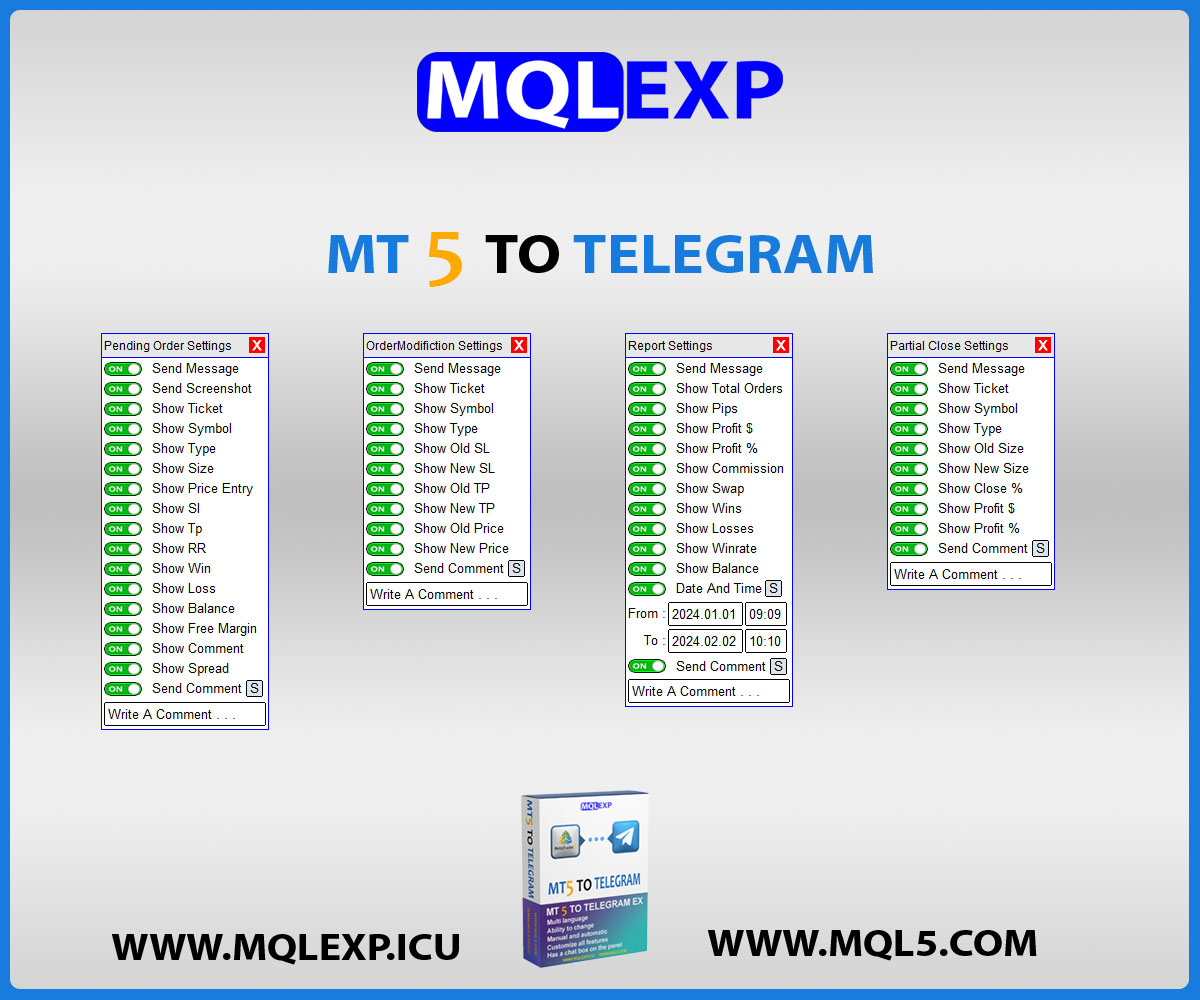
Toggle display visibility for lot sizes, open price, SL/TP levels, timestamps, and balance metrics. - ✅ Integrated Commentary Box:
Send manual market insights and technical notes directly between automated signals. - ✅ Scheduled Performance Reports:
Automatically compile and send daily, weekly, or monthly PnL summaries.
Signal & Trade Events Covered
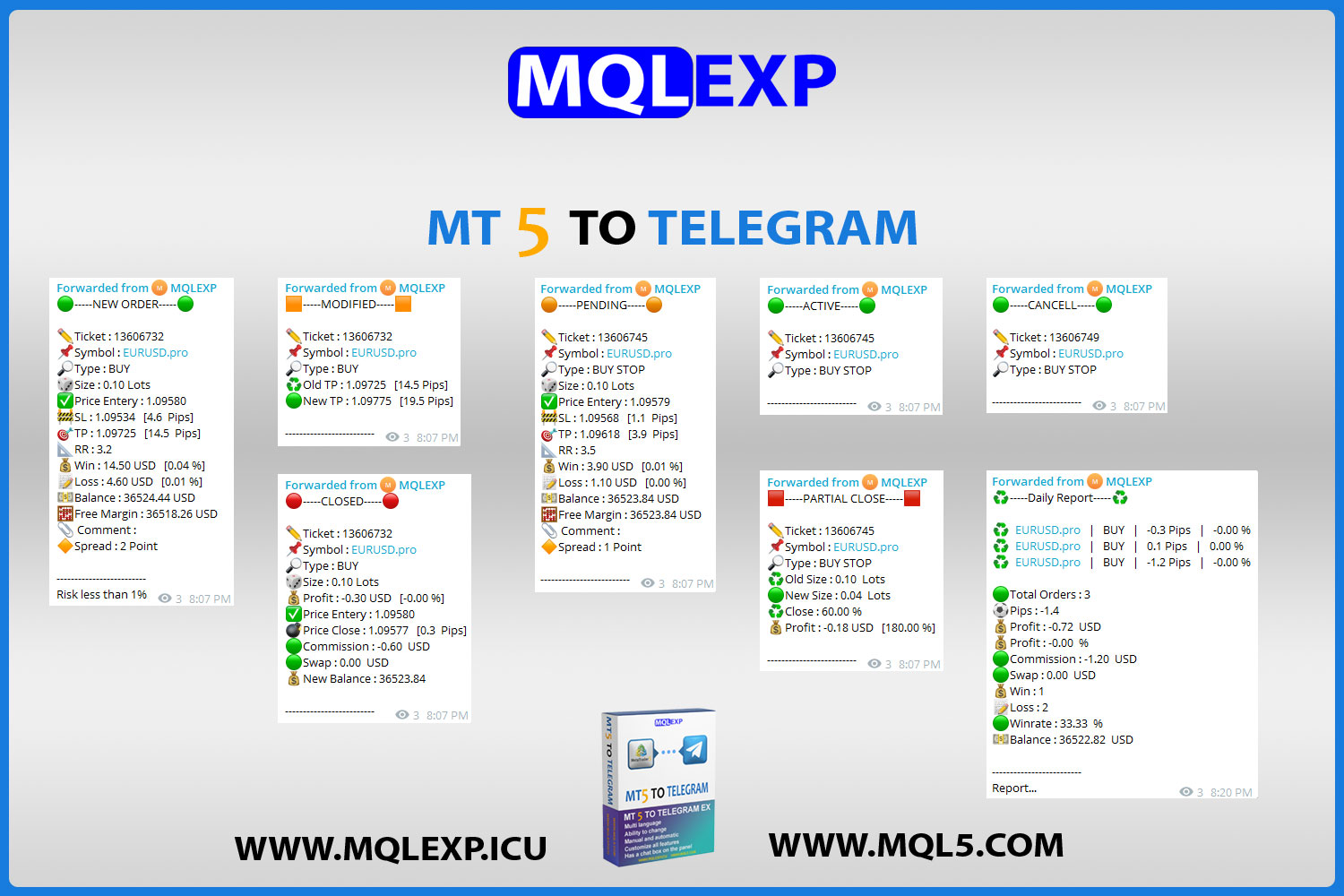
Every order lifecycle event is captured and instantly broadcast:
- Market Orders:
Real-time notifications when a new trade is executed. - Pending Orders:
Instant alerts when Buy/Sell Limits or Stops are placed or triggered. - Closed Trades:
Full trade closure summary including net P&L, pips, and optional exit chart screenshot. - Order Modifications:
Real-time tracking whenever Stop Loss, Take Profit, or entry prices are adjusted. - Partial Closures:
Detailed breakdown of scale-outs and remaining open volume. - Order Cancellations:
Alerts when pending orders expire or get deleted. - Branded Watermarks:
Stamp your logo or watermark directly onto chart screenshots.
Free Demo & Step-by-Step Installation
Test the full capabilities of the MQLEXP Signal Provider EA risk-free on your demo or live terminal.
- Download the Package:
Click the Demo Download button at the top of this page. - Open Data Folder:
In your MetaTrader terminal (MT4 or MT5), navigate to File > Open Data Folder. - Copy the EA Files:For MT4: Open MQL4 > Experts and paste the .ex4 file.For MT5: Open MQL5 > Experts and paste the .ex5 file.
- Refresh Navigator:
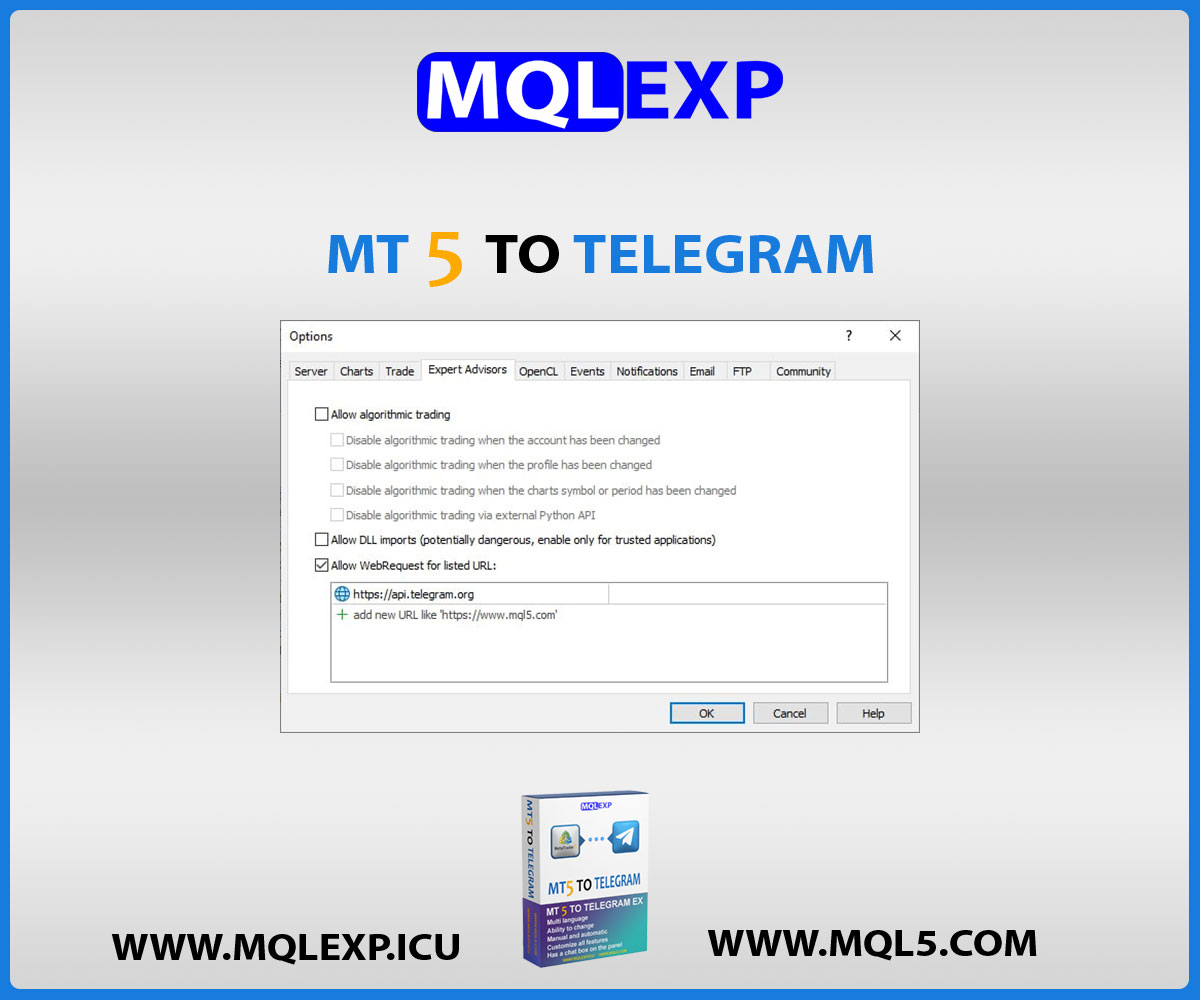
In MetaTrader, press Ctrl + N, right-click, and select Refresh. - Enable WebRequest:
Go to Tools > Options > Expert Advisors, check “Allow WebRequest for listed URL”, and add:https://api.telegram.org - Launch & Configure:
Drag the EA onto any chart and enter your Telegram Bot Token and Chat ID.
Upgrade to Commercial License
The demo version is provided for you to test the full functionality on your terminal risk-free. If you are ready to use the EA for your professional signal service or community and wish to purchase the original commercial license, please contact our support team directly on Telegram.
Contact us here: https://t.me/MQLEXP_Support
Instant Access & Technical Support
We believe in a friction-free experience. Download the demo package directly to start testing immediately. If you need a full commercial license for your private subscription channel or require dedicated assistance configuring your Telegram bot, our technical support team is available 24/7 via Telegram.
Frequently Asked Questions (FAQ)
Q: Does this EA copy trades from Telegram into MetaTrader?
A: No. This tool is a dedicated Signal Provider EA designed specifically to broadcast trade alerts FROM MetaTrader (MT4/MT5) TO Telegram. It does not reverse-copy trades from Telegram channels into your account.
Q: Do I need to download separate packages for MT4 and MT5?
A: No. We have consolidated everything into a single download. The package contains both the MetaTrader 4 (.ex4) and MetaTrader 5 (.ex5) files so you can run the EA on whichever platform you trade with.
Q: Is there any registration or payment required for the demo?
A: None at all. The demo download is 100% free with no checkout or account creation required.
Q: Can I use this with my own custom Telegram Bot?
A: Yes. The EA works with any standard Telegram Bot API token. Our included quick-start guide walks you through creating your own bot via @BotFather in under 2 minutes.
Technical Specifications
| MetaTrader 5 |
Utilities MT5 |
|---|---|
| MetaTrader 4 |
Utilities MT4 |
| 1. |
Manual or automatic signal delivery |
| 2. |
Send to Telegram channels or groups |
| 3. |
Fully customizable message content, language, emoji, structure |
| 4. |
Choose which trade types to report |
| 5. |
Filter by symbol or magic number |
| 6. |
Add screenshots for trade open/close (customizable templates supported) |
| 7. |
Send categorized signals: Gold, Silver, Bronze |
| 8. |
Enable/Disable any part of the message body |
| 9. |
Generate and send automated reports |
Customer Reviews
Read customer feedback and share your own experience with this product. Reviews help other traders make informed choices.
Linda M –
I’ve tried several MT5 to Telegram EAs, but this one is by far the most customizable and reliable. Worth every penny.
mqlexp –
Thank you for your positive feedback. We are always striving to provide the best.
Michael josi –
Being able to filter signals by symbol and magic number is exactly what I needed for my trading strategies
mqlexp –
We are very happy that you trust us. Thank you for your positive feedback.